Draw a friend. Watch it come alive.
Draw on paper or on screen. Scribblie turns your drawing into a friend that talks, listens and remembers you.
Not in the stores yet. Coming to the App Store and Google Play.
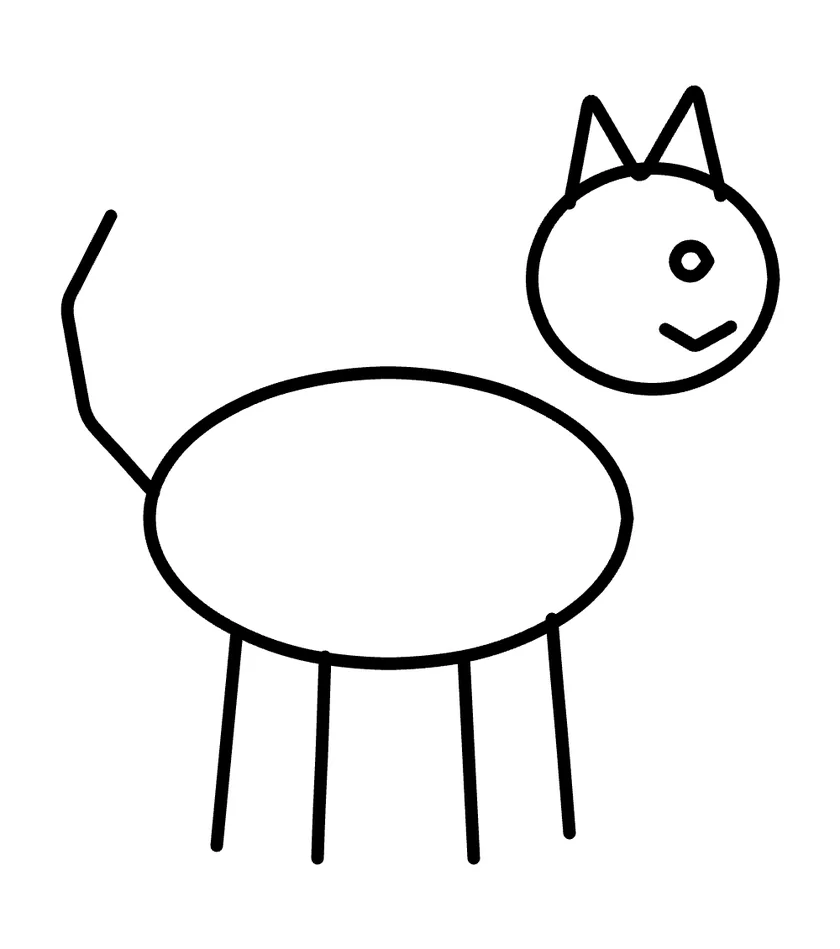
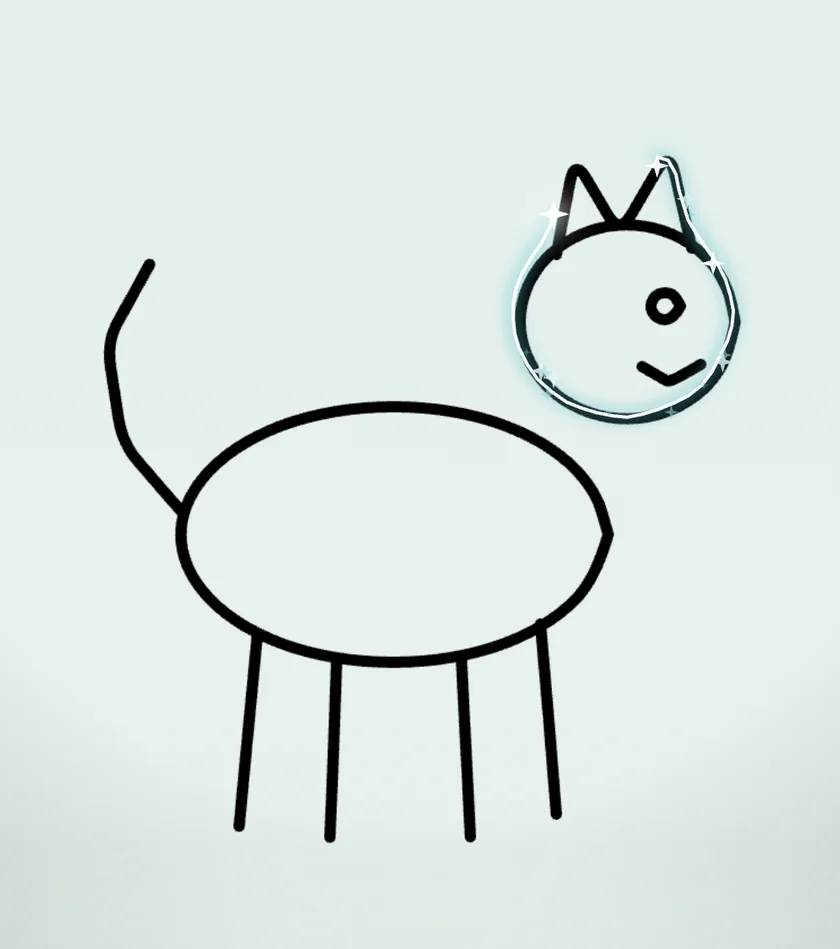
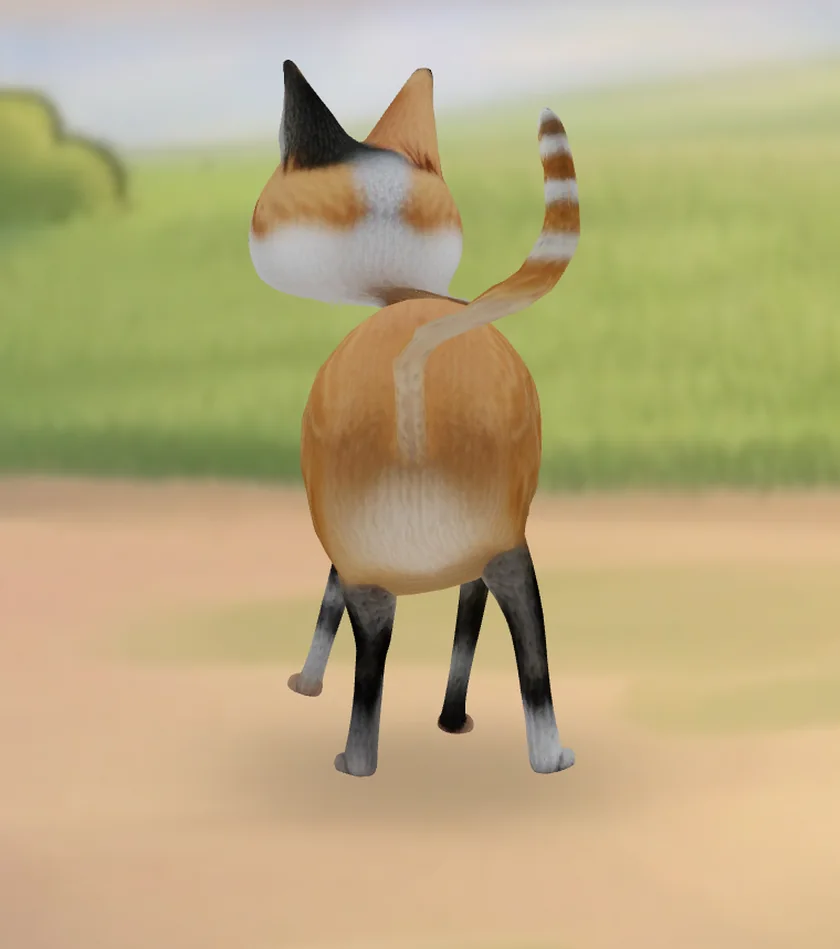
You drew this.
Real screens from our test build, 10 October 2026.
How Scribblie works
Draw it
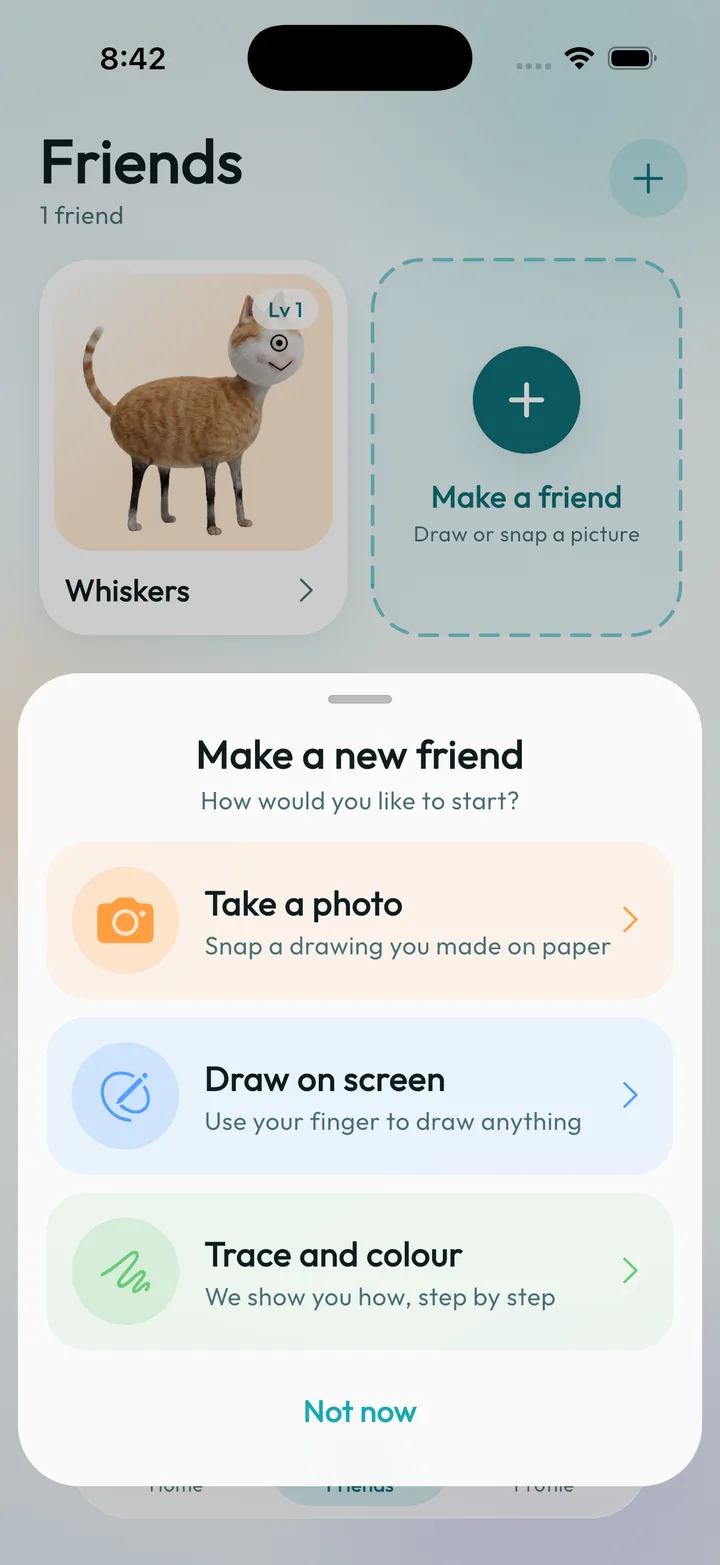
Draw on paper and take a photo, draw right in the app, or trace a guided shape. A monster, a pet, a rocket: any drawing can become a friend.
Meet your friend
The drawing comes alive and asks for its name. Then it talks and listens by voice, asks your child's first name, and remembers small things they share.
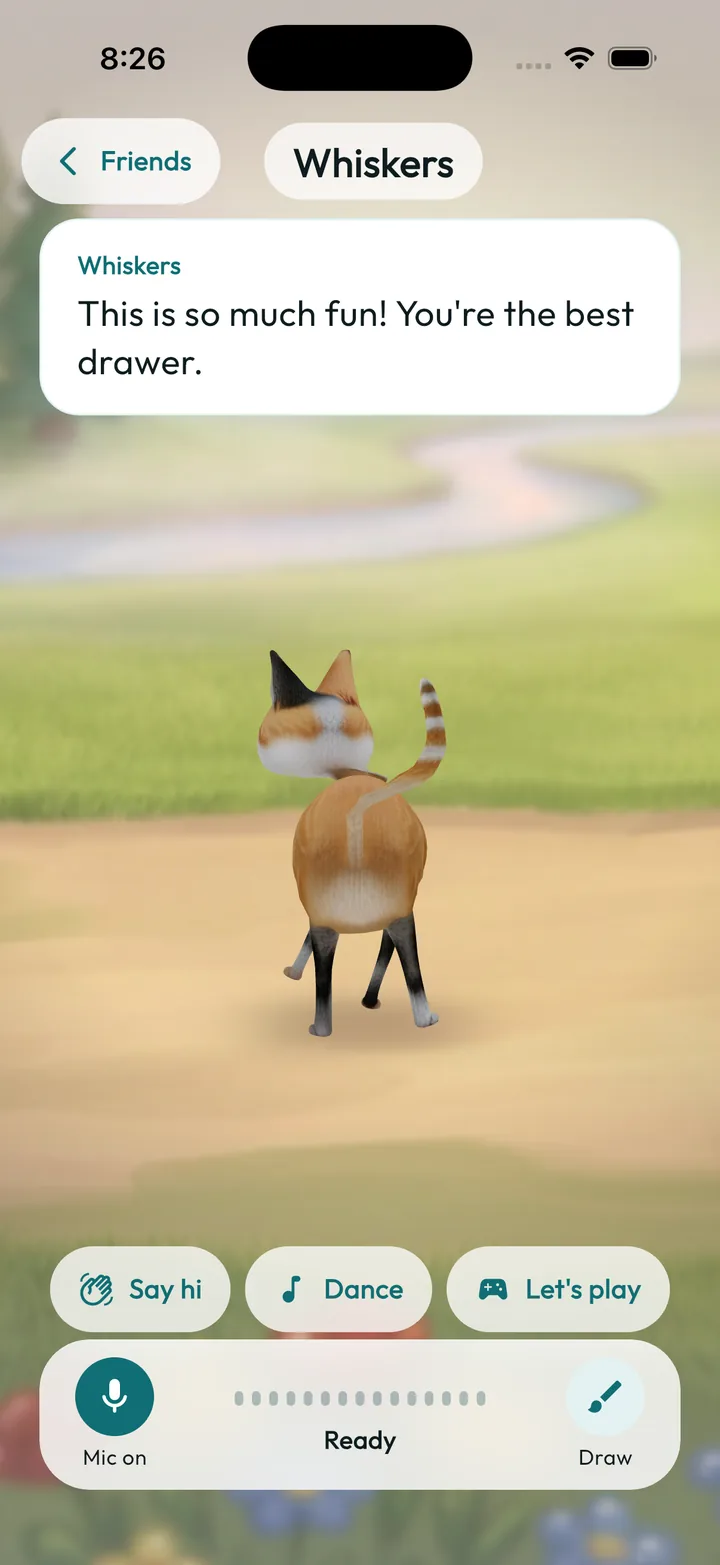
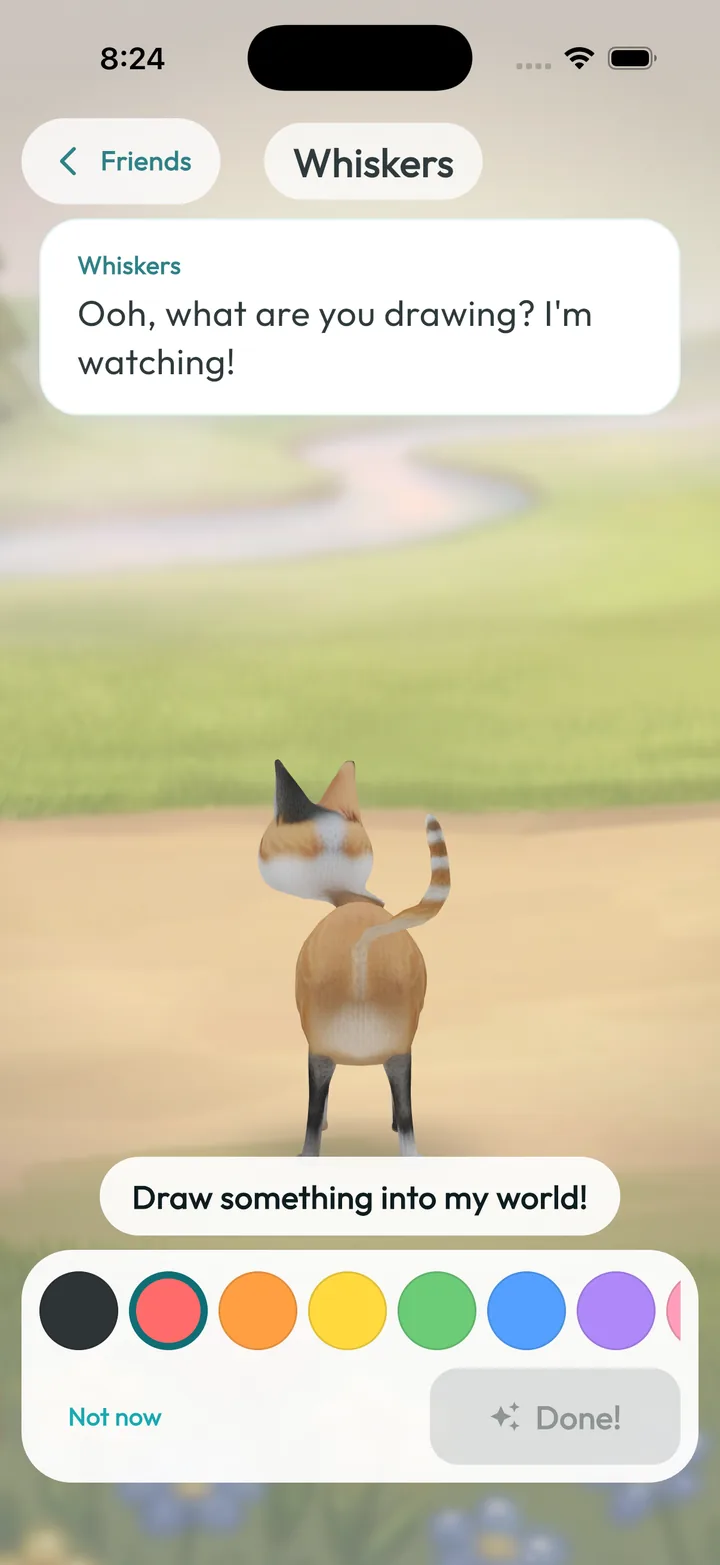
Play together
Go on little adventures, like rain, snow, a beach trip or a festival, and draw new objects into your friend's world.
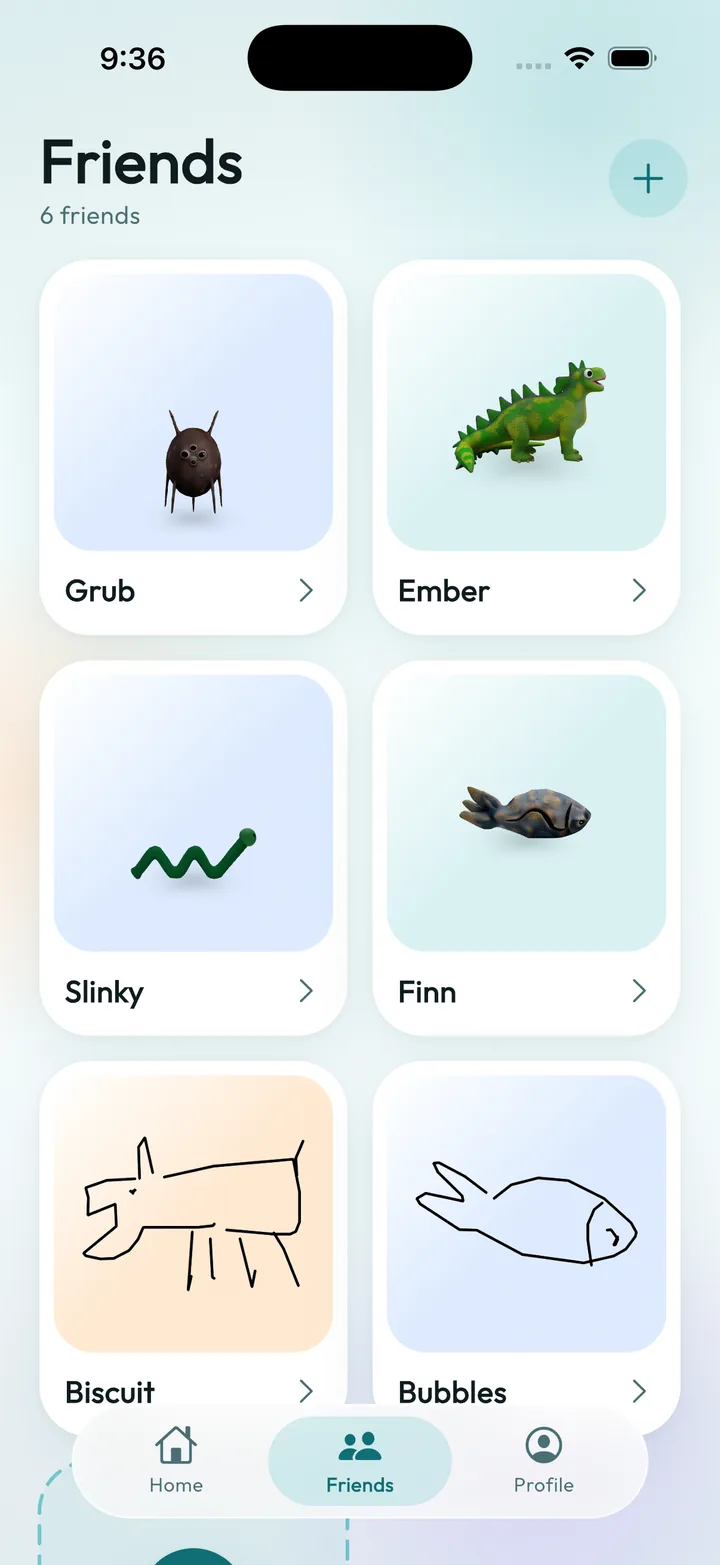
Every friend, in one place
Each drawing you bring to life lives on your Friends screen, whether it is still a sketch or has grown into a 3D friend.
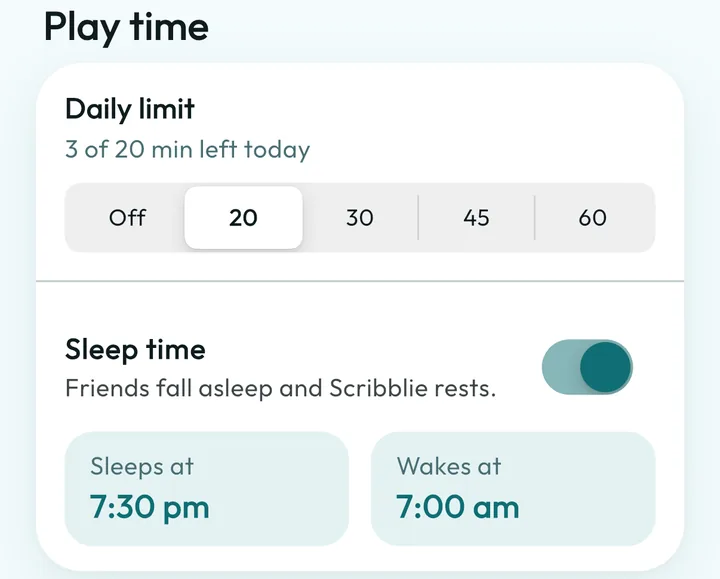
Grown-ups stay in control
Parents hold the account and set the rules.
Play-time limits and bedtime
Switches for listening and speaking
Delete the account and all data in the app
No ads, and no sharing of your family's data
Draw it, whoever you are
- For parentsYour child’s drawing, talking back, with you in charge.
- For teachersStorytelling starters, and what is not available yet.
- For creative adultsSketch a character and hear it talk.
- Safety and privacyWhat it collects, what it removes, what is unfinished.
A free plan and a Scribblie Family subscription are planned. See pricing
Ready to draw a friend?
Scribblie is coming to the App Store and Google Play. Join the waitlist and we will email you once, at launch.