How it works
Draw something. Meet it. Talk to it.
Scribblie takes a drawing, on paper or on a screen, and turns that same drawing into a character that moves, listens and answers. Here is what happens at each step, and what it cannot do.
Join the waitlistFour steps
1. Draw it
Draw in the app with the canvas tools, or photograph a drawing on paper. A dragon, a pet, a pencil with legs: anything with a clear outline works best.
2. It wakes up
Scribblie looks at the drawing, works out where the body, eyes, mouth, legs and tail are, and rigs that shape so it can move. There is a short wait while this happens.
3. It asks for a name
The new character greets you and asks what its name is. You answer by voice or by typing. Name, voice and personality are kept for next time.
4. Talk and play
Talk to it with the microphone, ask it to do things, find an apple in its small world, or ask a “why” question and get a gentle explanation.
It is your drawing, not a replacement
The character you meet is the drawing you made, animated. Scribblie does not redraw it, smooth it, recolour it or “improve” it, and your original is kept exactly as it was drawn. This is the point of the product: the wobbly lines are the character.
Today the animation is a flat, cut-out style (often called 2.5D) with breathing, talking, walking and jumping. Fully 3D characters are research only and are not part of the app.
It only does what the drawing allows
Scribblie reads what you drew. A dragon with wings can be asked to fly; a dragon drawn without wings will say, in character, that it cannot, and offer something it can do instead. A tree cannot be eaten, so it will not be. These small refusals keep the character believable.
Voice and memory
Speech is turned into text on the way in and the character answers in its own voice with matching mouth movement. It remembers its name, voice and small things you told it, so a character you made on Monday is the same one on Friday. Interface languages vary, but conversation is in English for now.
Where we are
Scribblie is not in the App Store or Google Play yet. We are preparing a small, supervised family pilot first. Join the waitlist and we will email you when it is ready, and only about that.
Common questions
Can I use a photo of a paper drawing?
Yes. Photograph the drawing in good light on plain paper. Bold, separated outlines work best, and limbs that overlap can look strange when animated.
Does Scribblie change my drawing?
No. The animated character is built from your drawing and your original is kept exactly as drawn. There is no AI redraw.
Is it only for children?
No. Children, parents, teachers and creative adults can all draw something and meet it. There is a kid-safe mode with grown-ups in control; see the safety page.
What devices will it run on?
iPhone, iPad and Android, once it is released. It is not in the stores yet.
Read more
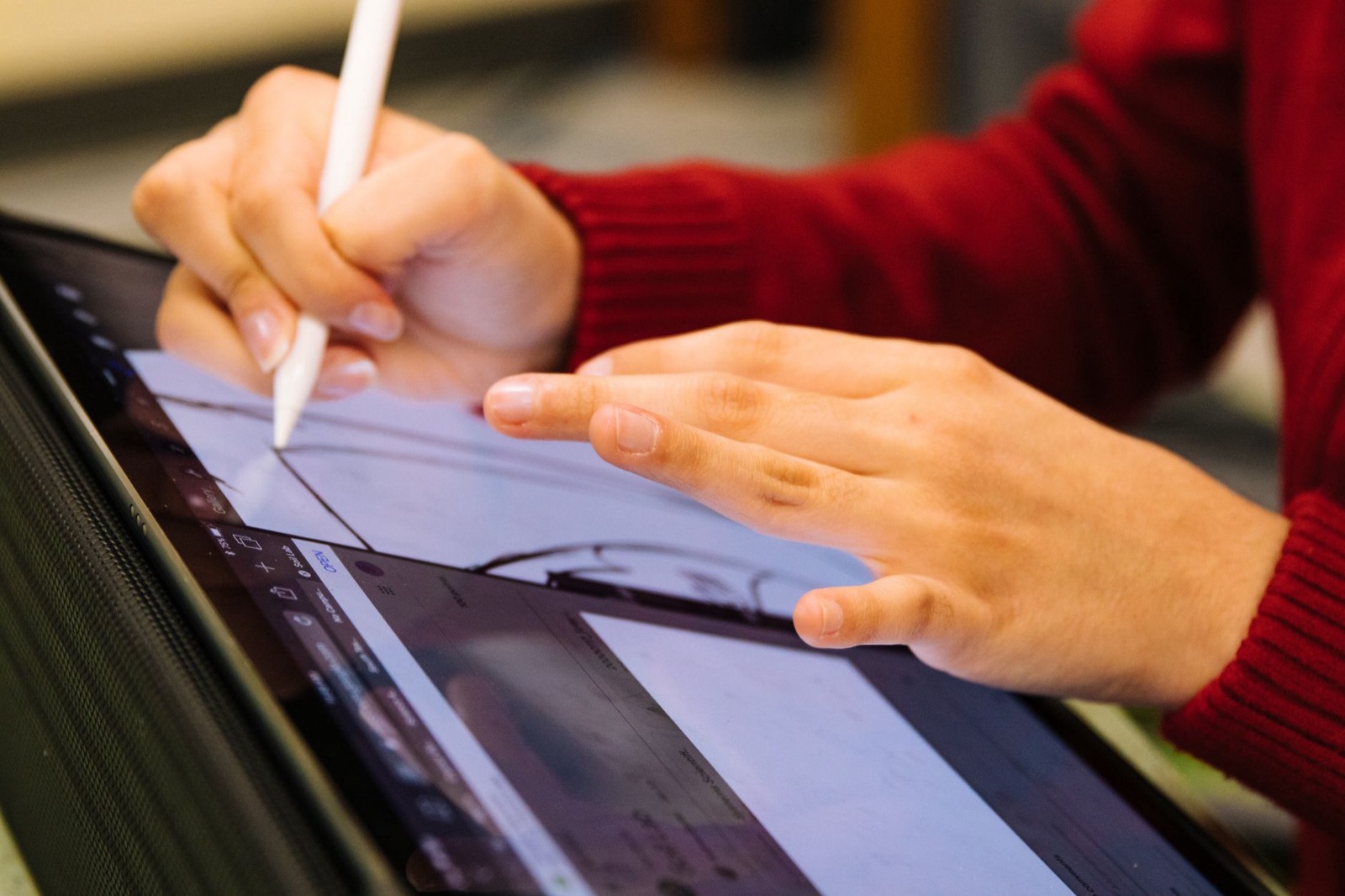
How Scribblie Works: From a Drawing to a Friend Who Talks Back
A plain-English walk through Scribblie, the app we are building: how a drawing becomes a friend, what it remembers, what grown-ups control and where it can go wrong.
8 min read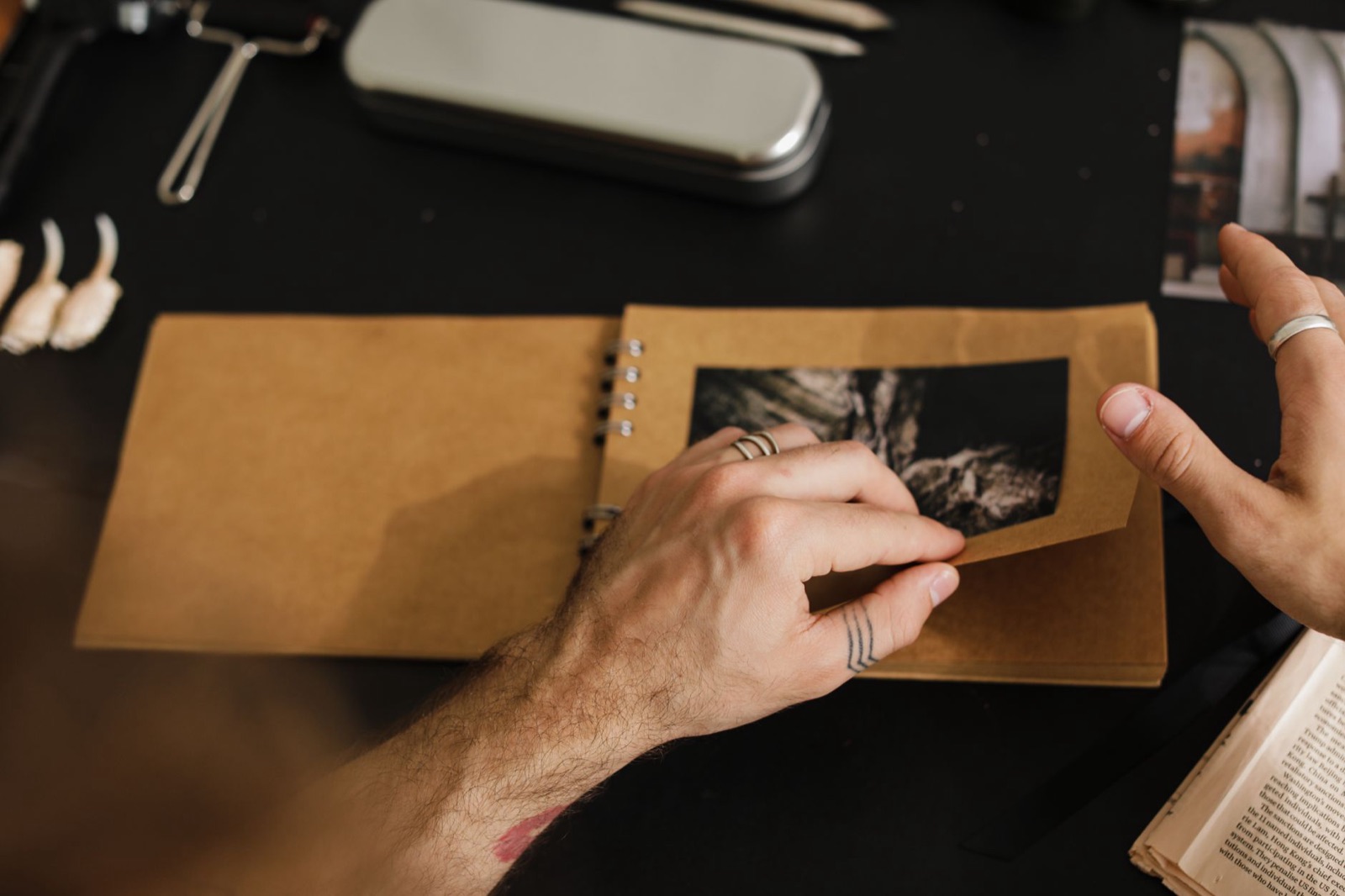
How to Animate Your Child's Drawing (Four Ways, From Paper to App)
Flipbooks, cut-out puppets, stop-motion and apps can all make a drawing move. Here is what each really takes, and which one suits your child.
9 min read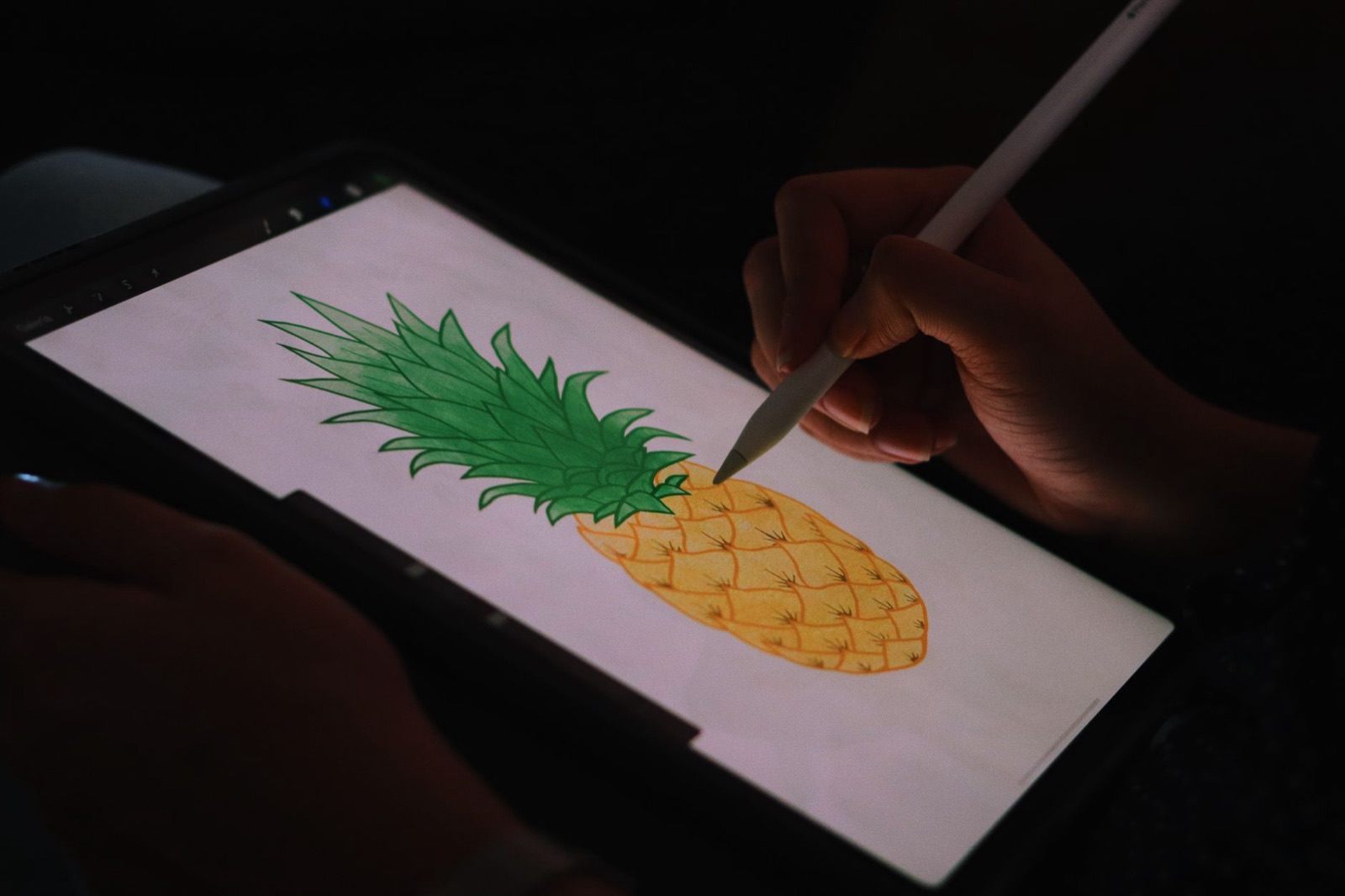
Apps That Bring Drawings to Life: What to Look for as a Parent
Plenty of apps promise to bring a child's drawing to life. These are the eight questions worth asking before one of them gets your child's art, or their voice.
9 min readBe first to meet your drawing
Scribblie is not in the stores yet. Join the waitlist for one email at launch.