How to Animate Your Child's Drawing (Four Ways, From Paper to App)
By the Scribblie team · Published · 9 min read
In this guide
- Method one: the flipbook, where the paper does the work
- Method two: the paper puppet, which is animation by hand
- Method three: stop-motion, where patience turns into a film
- Method four: apps that do the moving for you
- Where Scribblie fits
- Picking a method by age, not by ambition
- A tonight-sized try: the 15-minute bounce
- What the grown-up is actually for
- What to do with the finished animation
- Common failures, and the unglamorous fixes
- Common questions
The short answer: you can make a child's drawing move in four ways, and the right one depends mostly on how long your child will stay interested. A paper puppet on a stick works in five minutes. A flipbook takes about twenty. Stop-motion is an afternoon. And an app can do it in seconds, though you give up some of the hands-on part.
We have a view about this, which is that the slow, slightly clumsy methods are the ones children remember. But we also know it is 5:40 on a Tuesday and nobody has the energy for a film set. So here are all four, with the dull bits left in.
Method one: the flipbook, where the paper does the work
A flipbook is a stack of pages with slightly different drawings, flicked so your eye blends them into movement. The cheap version uses a pad of sticky notes, and the sticky edge is what makes it flick nicely. We wrote the full recipe in our flipbook guide, so here is just the temperament of it.
What it is good at: showing a child, physically, that movement is made of still pictures. They see the trick from the inside. A ball that sits slightly lower on each page bounces when you riffle the stack, and no explanation beats that moment.
What it is bad at: patience. Twenty pages of a bouncing ball is twenty chances to get bored, and a child who draws a beautifully detailed dragon will not want to draw the same dragon twenty times. So the dragon is the wrong subject. A simple blob, a ball, a stick figure or a growing flower is the right one.
Best for: roughly six and up, a rainy afternoon, a child who likes to see how things work. Skip it for little ones, who will tear the pad before the third page.
Method two: the paper puppet, which is animation by hand
Cut the drawing out, tape it to a lolly stick or a straw, and move it. That counts. A puppet show is live animation, and the child is the animator who decides when the character jumps.
Cutting out has a gentle trap. If the child drew with a light touch on thin paper, the cut-out flops. Glue the drawing onto a piece of cereal box card first, let it dry, and then cut. For parts that should move (an arm, a jaw, a tail), a split pin (a brass paper fastener) as a joint turns a flat drawing into something with elbows.
We cover the joints, the stage and the awkward business of cutting around fiddly legs in the paper puppet guide. The scissors need to be child-safe ones for younger children, and a grown-up should handle the hole-punching for the pins.
Best for: ages three and up, any drawing at all, and children who would rather tell a story than make a film. It is also the only method here that works with a drawing of a large, awkward, wonderful horse that has seven legs.
Method three: stop-motion, where patience turns into a film
Stop-motion means taking a photo, nudging the character a tiny bit, taking another photo, and playing them back fast. A paper cut-out on a table is the friendliest set. A phone leaning on a stack of books is the friendliest camera rig.
The first attempt is almost always shaky and a little dark. Lights flicker, the table is bumped, a thumb appears in frame. None of that matters for a first go, and a ten-second film that made your child gasp is worth more than a clean one they never made. Our stop-motion starter guide walks through lighting and a tripod substitute that costs nothing.
What it is good at: the feeling of ownership. The child made that drawing, moved it and watched it walk across the table.
What it is bad at: speed. Even ten seconds of film can need around a hundred photos, depending on how many frames per second you choose. For a child under about six, that is more than a project; it is a campaign. Many children enjoy it in short bursts, a few shots at a time, with the set left on the table overnight.
Best for: seven and up, or younger children with a grown-up as camera operator. Poor for anyone who needs a result in the next ten minutes.
Method four: apps that do the moving for you
The newest route is an app that takes a photo of the drawing and animates it. Some make a drawing walk or wave from a template. Some do more. That is the part that varies the most, and it is the reason we wrote a separate list of what to check before you choose an app.
What apps are good at: instant gratification and no cutting, taping or tidy-up. A child who is frustrated by how their hands lag behind their imagination often loves seeing the drawing move at once.
What they are bad at: the hands-on understanding of how the movement happens. The child watches the result and the creative decisions have been made for them. That is not a crime, just a different experience, and it works best as an addition to paper methods rather than a replacement.
An app deals with your child's drawing, and sometimes their voice, so the privacy questions apply. We list them in the checklist guide linked above. If you want to see how animated drawings work in broad terms, our plain-English explainer covers it without the jargon.
Where Scribblie fits
Scribblie is our own take on the app route, and it is not in the App Store or Google Play yet. A child draws on paper and takes a photo, or draws in the app, and the drawing wakes up, looks around, says hello and asks for a name. The child talks to it by voice, and it answers. Parents sign in and give consent first, and the child never signs in. The friend's replies may be generated by AI models, so it can be imperfect sometimes. There is more detail in how Scribblie works, including what it does not do (no ads, no purchases, no public sharing).
It is one approach. It does not replace a flipbook, and we would not want it to.
Picking a method by age, not by ambition
Parents tend to choose by what looks impressive. A better filter is how long your child can stay with a task before drifting off, and that changes quickly with age.
For roughly three to four, go with a stick puppet. The wait between doing something and seeing it is nearly nothing, and the child can narrate the whole thing aloud. For about five to six, try a very short flipbook with six or eight pages, or a stop-motion with only five photos, so that the child finishes something. For seven and over, a proper stop-motion or a longer flipbook is realistic, and they may start directing you, which is its own kind of fun.
These are rough guides. A four-year-old who loves fiddling with a phone may out-patience a nine-year-old who thinks all this is babyish, and you are the only one who knows your child. If in doubt, start smaller than you think. It is easier to extend a successful short project than to rescue a half-finished long one.
A tonight-sized try: the 15-minute bounce
If you want one thing to do tonight, do this. Take a sticky-note pad and have your child draw a small ball at the bottom of the first note. On the next note, the ball sits a little higher. Keep going until the ball is at the top, then bring it back down. Ten or twelve notes is enough.
Flip the stack with your thumb, from the back. The ball bounces. Your child will almost certainly want to do it again with something more ambitious, which is the whole point. The first success hands them the next idea.
If it flops, the common reason is that the ball moved too far between pages. Tiny steps make smooth movement; big jumps look like flicker. That one lesson covers most of what goes wrong in all four methods, because it is the basic rule of animation: small changes, many times.
What the grown-up is actually for
In all four methods, your job is smaller than you think. You are not the director. You are the person who holds the phone, finds the glue, remembers where the tape went and says "oh, show me that again" at the right moments.
The trap is fixing things. A puppet whose arm flops, a flipbook that jitters, a stop-motion where the character slides sideways: each of these tempts a parent to step in and do it properly. We would resist most of the time. A film that wobbles is still a film your child made, and the wobble teaches them more than a perfect version you made for them.
There is one exception worth making. If your child is about to give up in tears, you can quietly take over one fiddly step, such as the cutting or the taping, and hand it back. Children usually accept that, as long as the creative part stays theirs. And if they want to quit, that is allowed too.
What to do with the finished animation
Keep it simple. A flipbook lives on the shelf, and relatives get a demonstration on video calls. A puppet gets a box theatre. A stop-motion film gets watched, probably nine times in a row, and then maybe sent to a grandparent.
We would think twice before posting any of it publicly. Children's drawings and voices are personal, and a private family chat does the job. If you do keep the film, save the original drawing too (a clear photo does, and our photography guide shows how), because the paper itself may not survive a few months of being a puppet.
Common failures, and the unglamorous fixes
The character looks different in every frame. This happens in flipbooks and stop-motion when a child redraws or reshapes it each time. Trace over the previous page (sticky notes are thin enough) or use a single cut-out that never changes shape.
The movement is too fast. Show fewer frames per second or add more pages. A flipbook with eight pages passes in a blink.
The movement jitters. In stop-motion, something is shifting between shots: the table, the phone, the light. Press the shutter with a timer or a second device, and avoid sitting close enough to bump the table.
The child loses interest at step three. That is normal, and it is information. Put it away without a fuss, and ask next week whether they want to do the ball again.
And the biggest failure is the one we see in our own heads: making it too grand. A single drawing that blinks, jumps or waves for two seconds is a complete animation. It does not need a plot.
If it helps to have a next small step, pick the sticky-note ball and put the pad where your child will see it. Then leave it there, with a pen, and watch what happens.
Common questions
How do I animate my child's drawing for free?
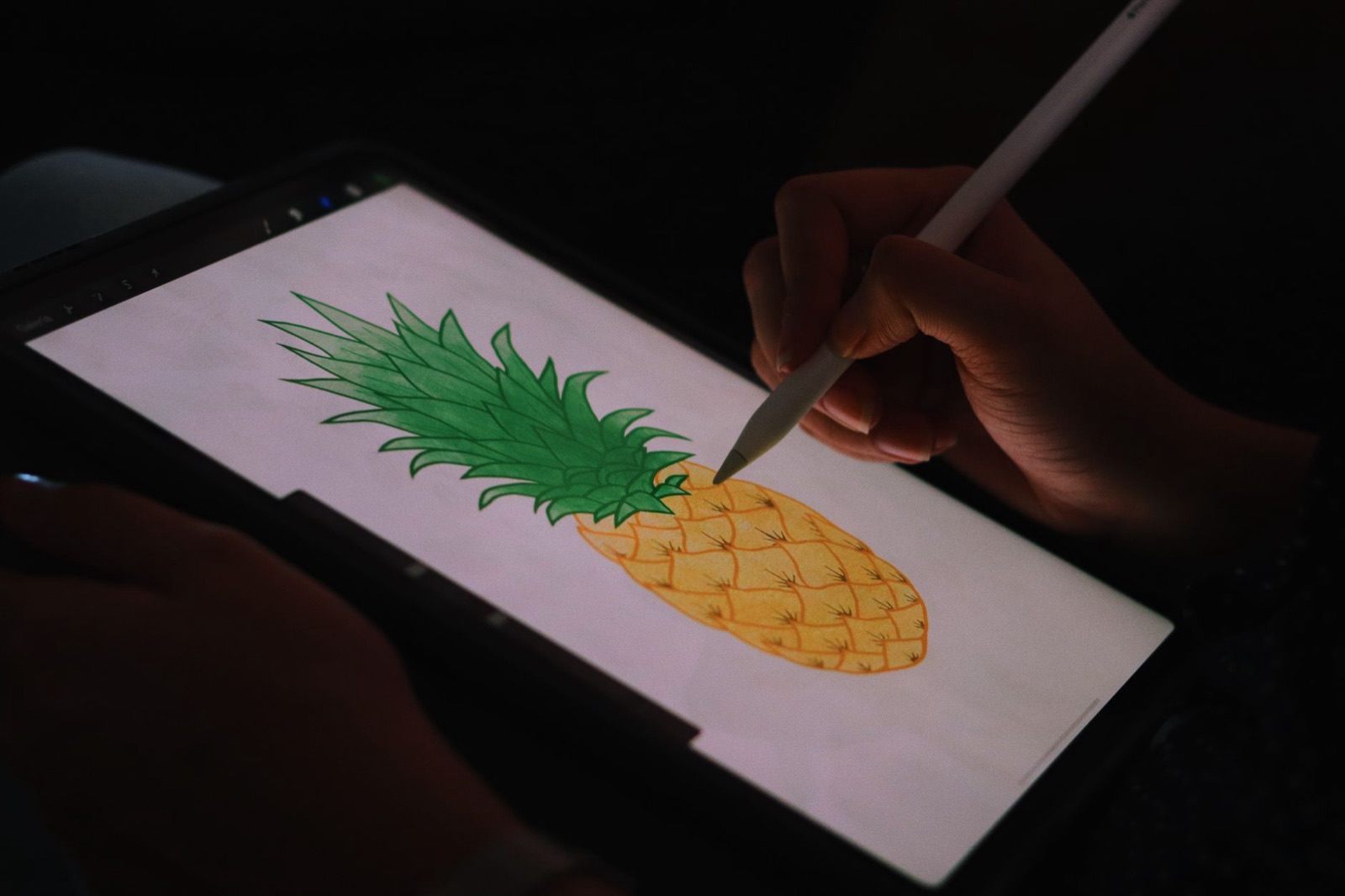
Paper methods cost almost nothing. A sticky-note flipbook needs a pad and a pen, and a paper puppet needs scissors, a lolly stick and tape. Stop-motion needs a phone you already own and a free camera or stop-motion app, though the choice of app is yours to check for ads and permissions.
What is the easiest way to bring a kid's drawing to life?
For ages 3 to 5, a paper puppet on a stick is the easiest because the child does the animating by hand and sees the result instantly. For ages 6 and up, a short flipbook is the next simplest, since it needs only a pad of paper and about twenty minutes.
Can you animate a drawing without drawing it again?
Yes, as long as the drawing is a single piece you can move. Cut it out and move it between photos (stop-motion), or attach it to a stick (puppet). Drawing-to-animation apps work from a photo of the original instead.
What age can kids start making animations?
Many children can enjoy moving a cut-out for a stop-motion shot from around four or five with a grown-up pressing the button. Drawing every frame of a flipbook themselves usually suits somewhere around seven and up, though it varies a lot.
Do I need a special app to animate a drawing?
No. A pad of sticky notes, a puppet stick or a phone camera is enough for the three paper-based methods. Apps are a fourth route, and they are worth choosing carefully because they handle your child's drawing and sometimes their voice.
Keep reading
Apps That Bring Drawings to Life: What to Look for as a Parent
Plenty of apps promise to bring a child's drawing to life. These are the eight questions worth asking before one of them gets your child's art, or their voice.
9 min read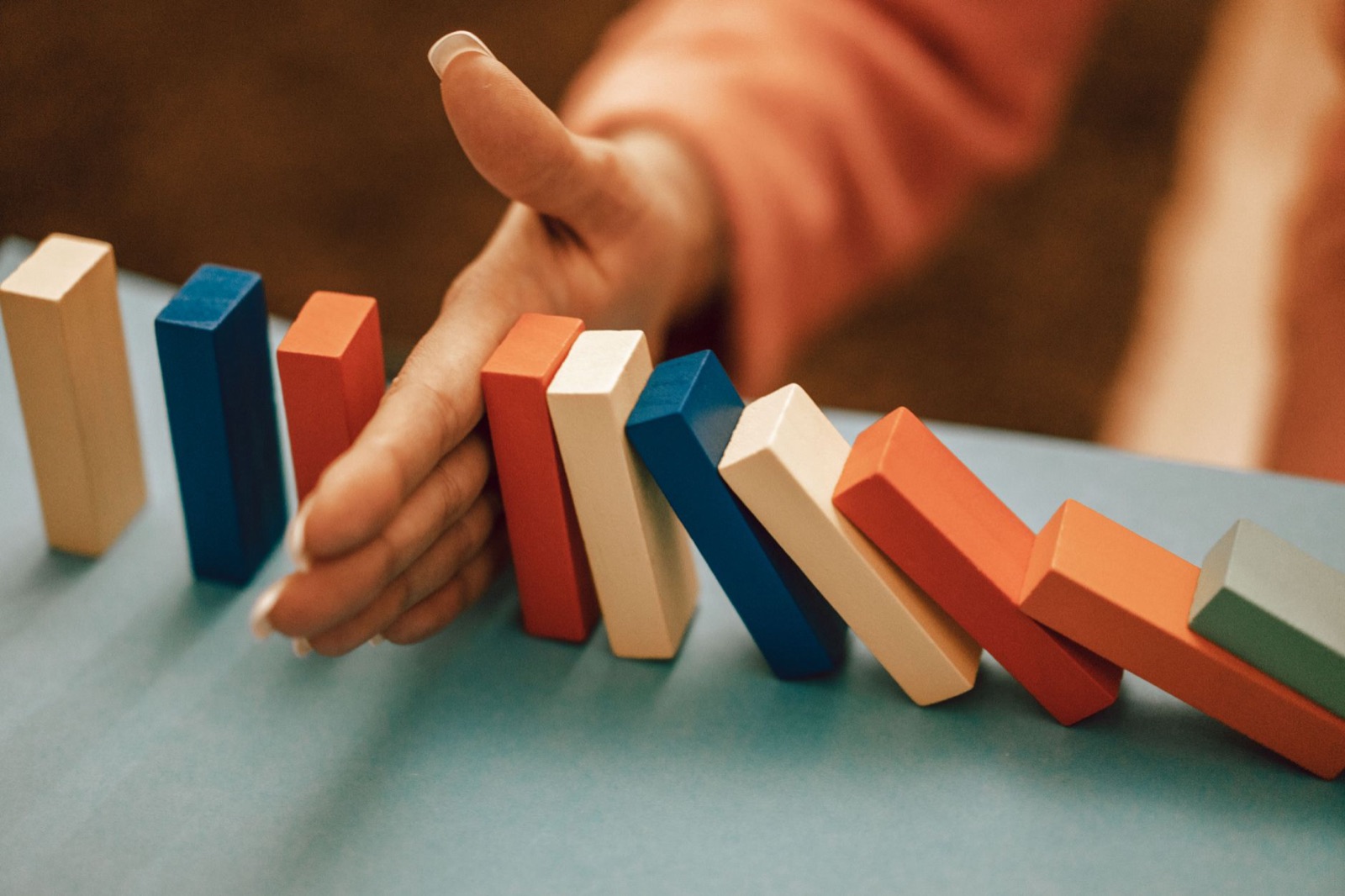
Stop-Motion at the Kitchen Table, a First Project for Kids
A phone, a few books and a paper cut-out are enough for a first stop-motion film. Here is the setup, the maths in kid terms, and the fixes for a shaky first try.
9 min read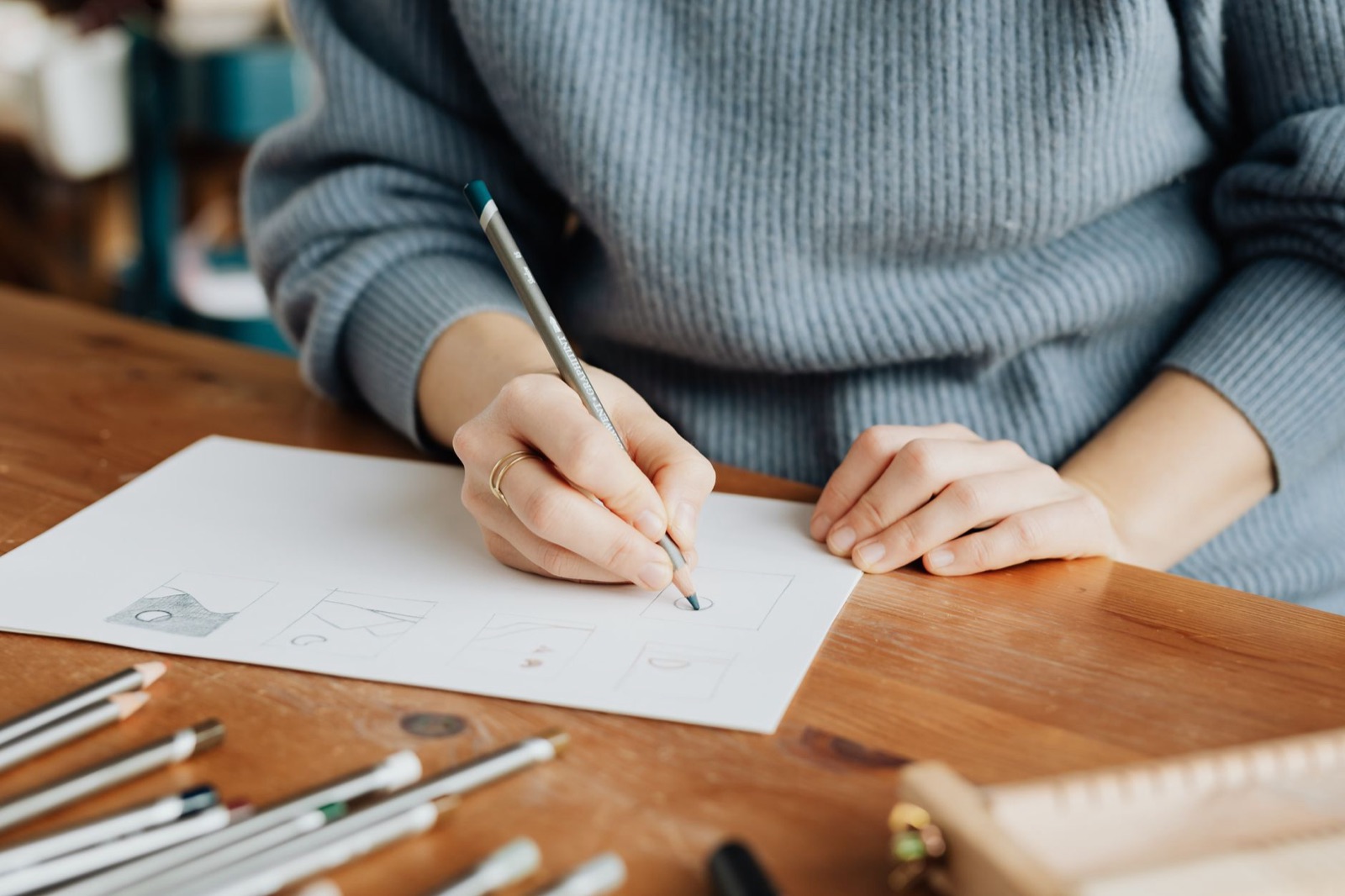
How a Drawing Gets Animated, a Plain-English Explainer for Curious Parents and Kids
Still pictures that move are built from a few simple ideas: frames, key poses, joints and puppets. Here they are in everyday words, with a bit for kids to read aloud.
8 min read