How Scribblie Works: From a Drawing to a Friend Who Talks Back
By the Scribblie team · Published · 8 min read
In this guide
- First, a grown-up does the setup
- Three ways to make a friend
- The waking-up moment, and the name
- Talking, without typing
- What the friend remembers
- Little adventures to play together
- Drawing something new into the friend's world
- Where it can go wrong
- What Scribblie does not have
- What to do while you wait
- Common questions
Scribblie is an app we are building that turns a child's drawing into a friend who talks back. The child makes a drawing, the drawing wakes up, says hello and asks what its name is, and from then on the child can talk to it by voice and play small adventures with it. It is not in the stores yet. It is coming to the App Store and Google Play, and everything below describes what we are making, so details may shift before launch.
This guide walks through it in the order a family would meet it. We have tried to cover the parts that are still imperfect too, because a parent deciding whether to let a child talk to a drawing deserves the awkward details too.
Children already talk to their drawings. They give the dog a voice, the sun a mood, the monster a grudge. Scribblie takes that habit and adds the other half of the conversation: the drawing answers. In a typical moment, a child who draws a purple cat and says "hello" hears the cat say hello back and ask what it is called.
We did not invent the habit, and we are not trying to replace the pencil. If you are curious about why children invent companions in the first place, our guide to imaginary friends in childhood is a good background read. The app is more of a toy box that happens to answer back.
First, a grown-up does the setup
Before a child plays anything, a parent or guardian has to sign in with Apple or Google and give consent. The child never signs in, never makes an account and never types an email address.
This is deliberate. The grown-up is the one who agrees to how the app works, and the grown-up is the one who decides how much play is right. Settings, deleting data and links sit behind a grown-up check, which is a simple multiplication question. A child who can do it has probably earned a biscuit, but it does keep small fingers out of the controls.
Parents can also set play-time limits and a bedtime, switch listening and speaking off separately, and delete the account and all its data inside the app. We cover each of those in Scribblie for parents: consent, limits, data and deletion, and we suggest reading it before you hand over a device.
The app is made for children of roughly five to eight, with settings for under-fives and for nine- to twelve-year-olds. Those are our own targets, and every child differs. You know yours.
Three ways to make a friend
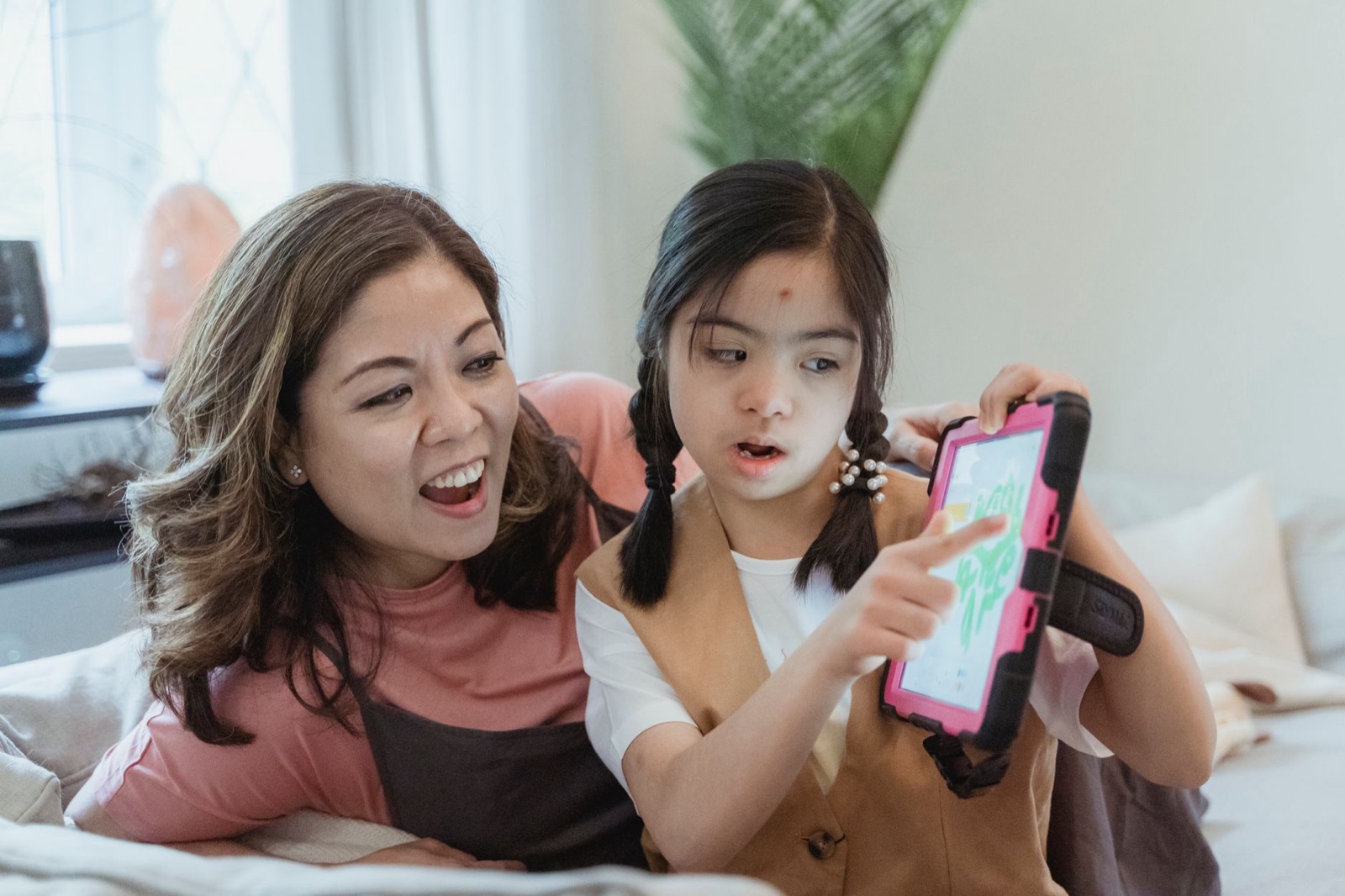
A child can start in one of three ways.
Draw on paper and take a photo. This is the one we expect many families to like, because it keeps the real pencil and the real sheet. The child draws a creature, a monster, a car with a face, whatever they like. A grown-up helps take a photo, and the drawing comes into the app. A flat, evenly lit photo helps, and our guide to photographing kids' drawings shows how.
Draw in the app. For a child who would rather use a finger or a stylus on a screen, there is a drawing space inside the app. The result goes the same way as a photographed drawing.
Trace a guided shape. Some children freeze at a blank page. For them there are guided shapes that they can trace over and make their own. It is a gentle way in for a child who says they cannot draw (if that sounds familiar, see our guide on what to say when a child says "I can't draw").
None of the three is better than the others. They all lead to the same moment.
If your child is happiest with paper, start there, and let the photo be the bridge into the app. If they have a favourite old drawing stuck on the fridge, that works as well as a new one. A drawing made last month can wake up today, and children are often thrilled to meet something they thought was finished.
The waking-up moment, and the name
Once a drawing is in, it wakes up. It looks around, says hello, and asks for its name.
That last bit matters to us. Naming something is a small act of ownership, and children take it seriously. The friend is whatever the child names it, and the child's choice can be silly, grand or a single sound. Our guide on naming characters kids invent is a nice look at why children pick the names they do.
The friend is just asking. If a child wants to call a dragon "Sandwich", then in our book the dragon is called Sandwich.
Talking, without typing
The child talks to the friend by voice. There is no typing and no reading required, so a child who is five and still sounding out words can do it as well as a child of eight.
The friend listens, and then answers in its own voice. A typical exchange might go: the child says, "I made you a hat," and the friend says it loves hats and asks what colour. It is a short back-and-forth, not a lecture.
Parents will want to know how voice is handled. The child's voice is sent for transcription, and the recording is deleted after transcription. A safety check runs on what the friend says. Parents can switch listening and speaking off separately, so a quiet-time version is possible. If you want to think about voice-based products more generally, our pieces on voice assistants and kids and talking toys are separate and not about us.
A few things worth saying to your child before they start, in your own words: the friend is a drawing that talks, it can get things wrong, and if it says something that feels strange or upsets them, they should come and tell you. That last line matters more than any setting we can build. Children do tell grown-ups about odd moments if they have been told that it is welcome.
What the friend remembers
The friend remembers small things the child shares, such as their first name. The idea is that the next time they play, the friend knows who it is talking to. Being remembered is a big thing when you are six.
We will keep this section short on purpose, because we do not want to overpromise. It remembers small things, and that is all we are claiming here. If you want the exact detail of what is stored, our privacy policy is the place to look, and a grown-up can delete the account and all its data inside the app.
There is also the question of what the friend actually is. It is not a person, and it is not a pet. It is a made-up character that answers. Children are often better than adults at holding both ideas at once, since they do it with teddy bears every day, and the same instinct tends to carry over here.
Little adventures to play together
The friend and the child can go on small adventures. There is rain to splash in, snow to stomp, a trip to the beach. There are festival adventures too, such as Diwali and Christmas.
We think of these as shared pretend play. The adventure sets a scene, the friend reacts, and the child makes things up. For ideas that work off-screen, see role-play and pretend-play ideas, which does the same thing with cushions and a bedsheet.
Drawing something new into the friend's world
A child can draw a new object, such as an apple, a ball or a moon, and it appears in the friend's world for the friend to use.
This is the part that, to us, makes it feel more like a drawing toy than a chatbot. The child talks, and also adds to the world with a pencil. If a child draws a lopsided apple, the friend still gets an apple.
Where it can go wrong
We would rather you hear this from us than find it out.
The friend's replies and images may be generated by AI models. That means they can sometimes be imperfect: an odd answer, a muddled picture, a reply that does not quite fit what your child said. A safety check runs on what the friend says, but no automated check is perfect, and we do not claim it is. A grown-up setting things up and staying close during the first few sessions is a sensible plan.
It is also a screen. Our view is that making and talking is different from scrolling, and our guide on creative versus passive screen time explains how we think about that, but it is still time on a device. The play-time limits and bedtime are there so that a parent does not have to be the only brake.
If you want to read more about how drawings are animated and what to watch for in any product of this kind, see AI that brings drawings to life: what to know and how drawing animation actually works.
What Scribblie does not have
There are no ads. There are no in-app purchases. There is no public sharing, and no chat with strangers. The app contains no third-party advertising or analytics SDKs.
We say this in a flat list because it is easier to check than a paragraph of reassurance. We are not claiming any legal certification, and we are not asking you to take our word for the rest. Read our privacy policy, and ask us anything we have not answered.
What to do while you wait
Scribblie is not out yet, so there is nothing to download today. But you can play the first step with a pencil. Ask your child to draw a creature and give it a name. Then ask the creature a question, and let your child answer in its voice.
If it goes well, you have already played the game, and the app is a version of it where the creature answers for itself. If your child finds it odd or unsettling to hear a drawing talk back, that is useful to know too, and nothing says every child has to like it.
When the app does arrive, our suggestion is simple. Set it up yourself first, with the controls described in the parents guide. Play the first session alongside your child, and listen to what the friend says. Watch for replies that seem off, and keep the sessions short while you both get a feel for it. Talk with your child afterwards about the friend as something they made, not a person, so the line between pretend and real stays clear.
We will say again that it is a young product. We would rather hear that something felt wrong than have you put up with it quietly.
Common questions
What is Scribblie?
Scribblie is an app we are building that turns a child's drawing into a friend who talks back. The child draws, the drawing wakes up, says hello and asks for a name, and the two can play small adventures together. It is not in the stores yet, but it is coming to the App Store and Google Play.
Can my child draw a friend on paper?
Yes. A child can draw on paper and take a photo of it, draw directly in the app, or trace a guided shape. All three end in the same place, with the drawing waking up as a friend.
Does my child have to type or read to use it?
No. The child talks to the friend by voice, and the friend answers in its own voice. That means a child who is still learning to read can take part.
Is Scribblie in the app stores yet?
Not yet. It is coming to the App Store and Google Play, and we would rather say so plainly than let anyone hunt for it today. This page describes what we are building, and details may change before launch.
Can the friend say something wrong or strange?
It can. The friend's replies and images may be generated by AI models, and they can sometimes be imperfect, odd or just off-topic. A safety check runs on what the friend says, but no check is perfect, which is one reason we suggest a grown-up stays nearby, especially at the start.
Who sets it up, the child or the parent?
A parent or guardian. They sign in with Apple or Google and give consent before the child can play, and the child never signs in. Our parents guide goes through the grown-up side in detail.
Keep reading
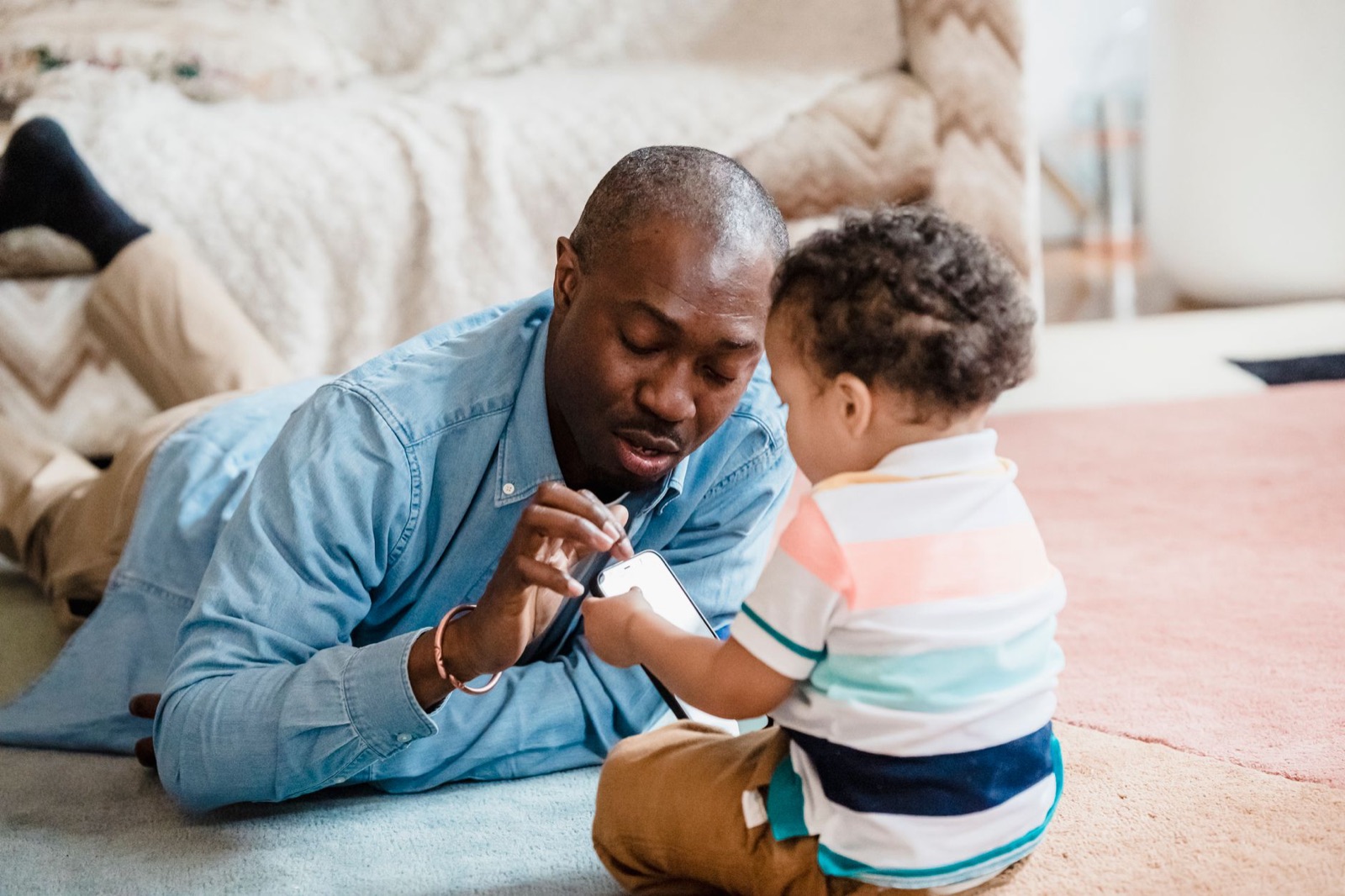
Scribblie for Parents: Consent, Limits, Data and Deletion in Plain English
A plain-English guide to Scribblie's grown-up side: who signs in, the grown-up check, limits and bedtime, microphone and speaker switches, voice data and deleting everything.
8 min read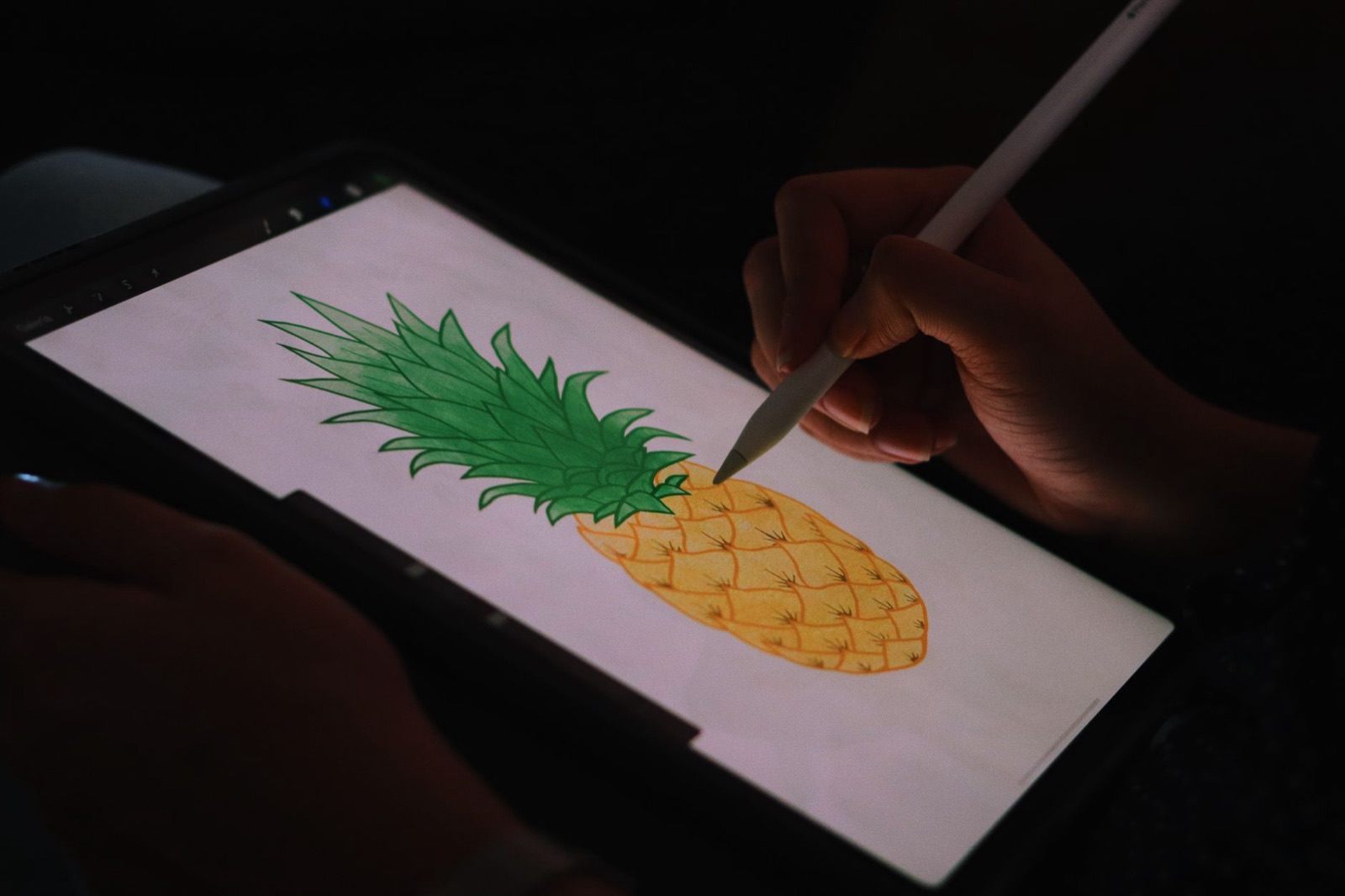
Apps That Bring Drawings to Life: What to Look for as a Parent
Plenty of apps promise to bring a child's drawing to life. These are the eight questions worth asking before one of them gets your child's art, or their voice.
9 min read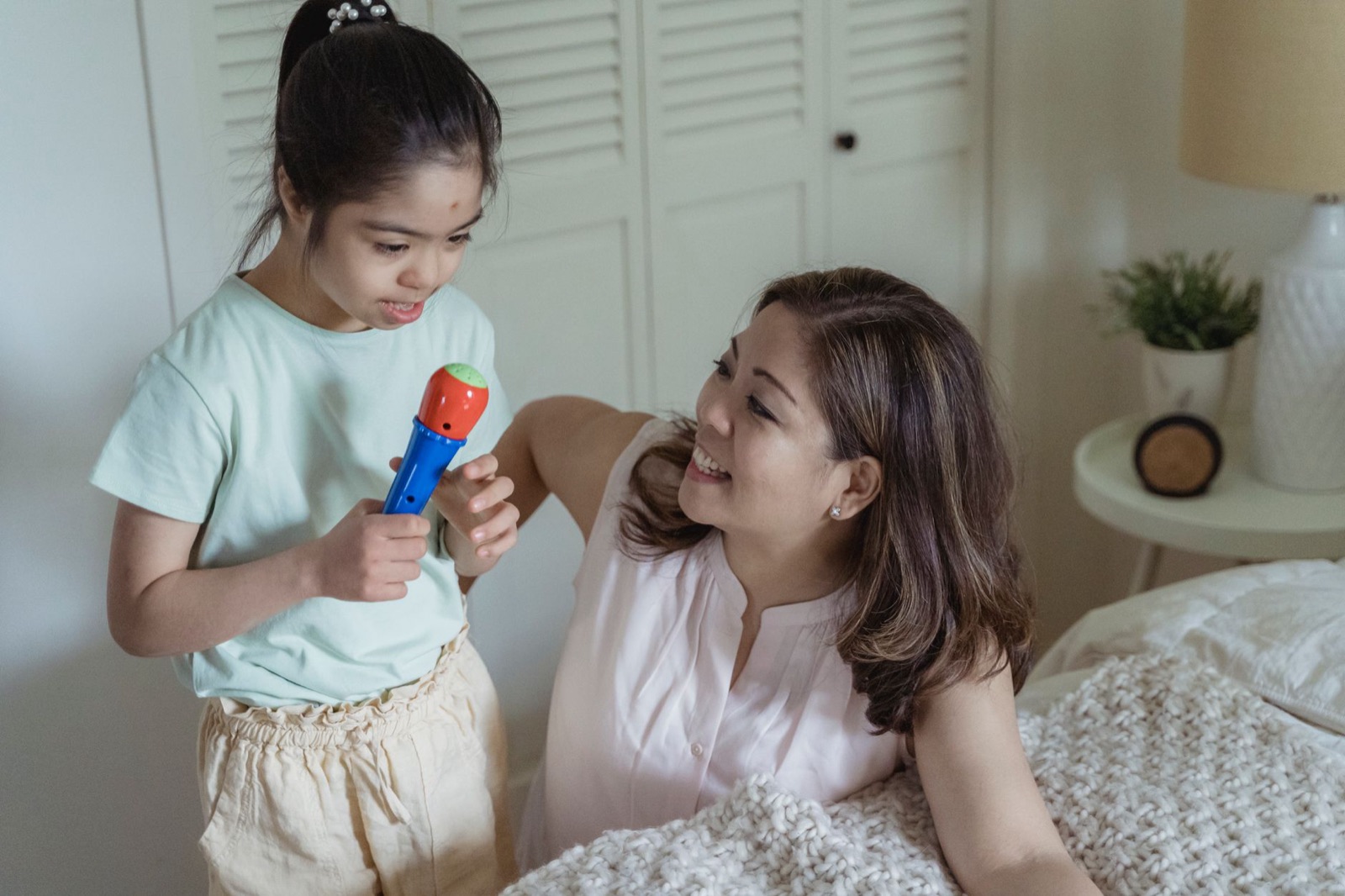
Are talking toys good for kids? What we know, what we don't, and how to choose
Shelves of toys promise to teach your toddler to talk. We look at what can and cannot be said, why your own voice still wins, and a short checklist for choosing one.
8 min read