Why “no ads” matters in a kids' app (and how to check the claim)
By the Scribblie team · Published · 8 min read
In this guide
- How a free app pays its bills
- What ads actually do inside a children's app
- Not just banners: the other ways an app can nag
- How to check a "no ads" claim
- A note on paid apps and subscriptions
- Why some small teams choose to go without ads
- Grown-up gates, and what they are for
- What to do when your child is already hooked on a free app
- Teaching a child to spot an ad
- Ads and the drawing itself
- One small job for today
- Common questions
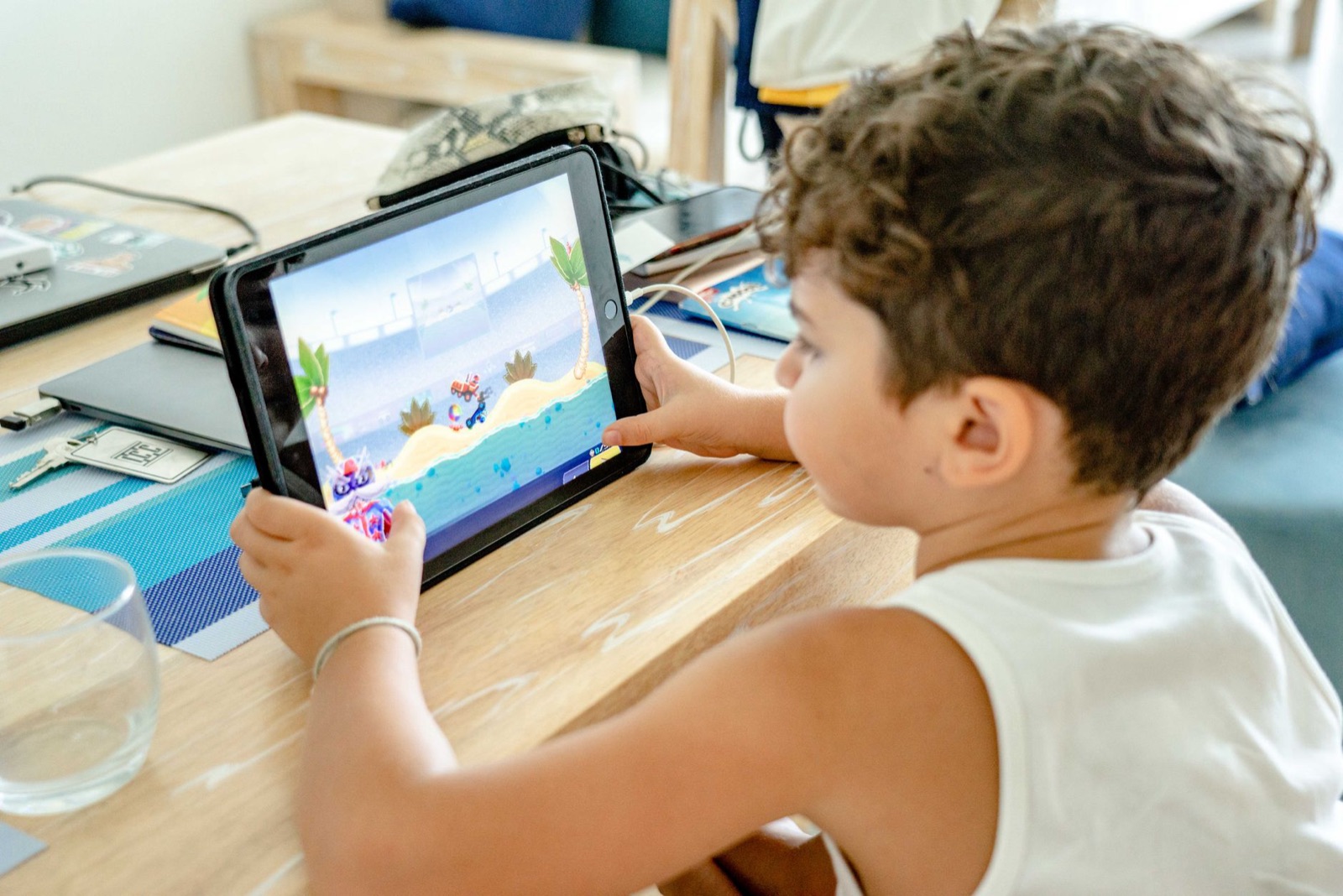
A child is drawing a blue elephant on a tablet. She finishes the ears, taps the little tick to save, and a screen fills with a cartoon fish and a flashing button. Her thumb lands on the button. Now she is in a shop listing for a game she did not ask for, and the elephant has vanished from view.
That small scene, which you will recognise if you have handed over a tablet, is the heart of why "no ads" matters in a kids' app. It is less about the adverts themselves and more about what they do to a child's attention and to the app's design. This guide explains how free apps pay their bills, what to watch for, and how to check a "no ads" claim yourself.
How a free app pays its bills
Making an app costs money: designers, developers, servers, support, store fees. When an app is free to download, the money has to come from somewhere else, and there are only a few ways.
Advertising. The app shows adverts and gets paid when they are viewed or tapped. The more time a child spends in the app, the more adverts, so the business benefits from keeping children inside.
In-app purchases. The app is free to start, with extras to buy: new brushes, characters, a subscription. The business benefits when a child, or a rushed parent, buys.
Data. The app collects information that has value to someone, whether for advertising or for analysis. We cover this in how kids' apps handle data.
A bigger business model. Some free apps are funded by a school, a charity, a toy company or a company's other products. These can be perfectly decent, and you can usually spot them from the listing.
Plenty of good things are free. But "free" is a question: what pays for it, and what does that payer want from my child?
What ads actually do inside a children's app
Not every ad is a disaster, and many families live with some. But there are a few specific ways in which ads and children do not mix well, and it is worth naming them.
They are hard for a child to tell apart from the app. Adults learn to read an advert as an advert. A five-year-old often cannot, which is why many places have rules about advertising to children, rules we will not summarise here because they change. If you need specifics, check current official guidance.
They invite the accidental tap. Small fingers press what sits under them. A button that leads out of the app or opens a store page can be pressed by accident, and some are placed so that is likely.
They interrupt. A child in the middle of a drawing does not want a fifteen-second film about a different game. Interruptions pull the child from what they were doing, and the result is often a grumpy child at the end of the session.
They shape the design. When an app lives on advertising, the screens, sounds and rewards tend to push for more taps and more time. A calm canvas does not do that. A reward spinner does.
They can show unsuitable content. Ad networks try to filter, but things slip through. We have no figures to offer, so we will just say that a product that does not run ads cannot show you someone else's ad.
Not just banners: the other ways an app can nag
"No ads" is a useful phrase, but it does not cover everything. An app can be free of third-party adverts and still pester a child.
Look for promotion of the developer's other apps, "unlock more" buttons, a subscription pop-up every time a drawing is saved, a pretend gift that needs a purchase to open, a countdown timer on a special offer, and "rate us" prompts that appear in the middle of play.
These are not all equally bad. A single, quiet "see more of our apps" link in the settings is different from a pop-up that blocks the canvas. We would draw the line at anything that interrupts a child during play, or that a child can trigger by accident.
An app that respects a child lets them finish what they were doing. One that does not interrupts them to sell something, and that second kind is what you want to avoid.
How to check a "no ads" claim
Do not take it on trust, ours included. You can check it yourself.
- Read the listing. Look at the price line and any note about in-app purchases. Read the privacy section for mentions of advertising or tracking.
- Use it with the internet on. Some apps show ads only when online, so testing in airplane mode can mislead you.
- Go through every path. Start a drawing, save it, clear the page, open the gallery, go into settings. Ads like to appear at transitions.
- Do it more than once. Some apps wait a few sessions before they start, or show ads only after a certain number of drawings.
- Tap the corners. Little icons and tiny crosses are classic places for a link out.
- Search the policy. Look for "advertising", "third parties", "partners" and "analytics", and see what is said.
- Look at reviews with a sceptical eye. Reviews can be useful for spotting a recent change, such as "it was great until the last update". But treat them as hints, because anyone can write one.
If the app passes, good. If it surprises you later, you can often report it to the store, and you can stop using it.
A note on paid apps and subscriptions
A price tag does not guarantee anything, but it does change the relationship. When you pay once, the developer has been paid and has little reason to keep your child tapping. When you pay a subscription, the developer has a reason to keep you subscribed, which is a different pressure: to look useful month after month.
We would suggest checking three things on any paid app. Is the price clear before you buy? Can you cancel without hunting for the button? And is there anything inside the app that tries to sell a second thing to your child? A good paid app asks once and then leaves you in peace.
For subscriptions, set a reminder in your calendar on the day the trial ends. That small habit saves more money than any clever setting.
Why some small teams choose to go without ads
Skipping ads is a real choice for a developer, and often a costly one. It means finding another way to pay for the work, usually a price or a subscription, and accepting that fewer people will try it.
We chose it for our own app. A drawing that wakes up and talks to a child works best when nothing is competing for the child's attention, and we did not want to ask a five-year-old to sit through an advert in the middle of a conversation with their own drawing. That is a judgement, and other teams make a different one. Scribblie is not in the stores yet, and when it is, it will have no ads and no in-app purchases, no public sharing and no chat with strangers. You can read how it works in how Scribblie works.
"No ads" is a feature, not a promise of quality. An app without adverts can still be dull, confusing or badly made, and the checklist in our guide to choosing a drawing app covers everything else.
Grown-up gates, and what they are for
A well-made kids' app keeps the parts that are not for children behind a gate. Settings, purchases, links to the outside world and anything that deletes work should need a grown-up to pass a simple check, often a sum a young child cannot yet do or a press-and-hold that takes a certain dexterity.
Gates are not foolproof. Children get older, and clever. But they do something more important than stop a determined eight-year-old: they stop the accidental tap. Most of the trouble in kids' apps is not a child trying to buy something, it is a child touching something by mistake. A gate turns "oops" into "nothing happened".
When you test an app, try the gate. Tap the settings icon and see what happens. If it opens straight away, that part of the app is open to every finger in the house.
What to do when your child is already hooked on a free app
It happens. Your child loves an app with ads, and the arguments about taking it away are real. A few practical steps usually help more than a ban.
Turn off the internet during use if the app works offline, since many adverts need a connection to load. Use the one-app lock from your tablet's settings so a stray tap cannot leave the app, and set a purchase approval so a tap cannot spend money (our guide to parental controls on iPad and Android tablets walks through both).
Then, when you are ready, offer an alternative. Choose something with a similar feel, let your child try it with you, and keep the old one for a week before deleting it. Children cope better with a swap than a removal.
Teaching a child to spot an ad
Even in a well-chosen app, your child will meet adverts elsewhere: on a video site, in a game at a friend's house, on a relative's phone. It helps to teach a few plain ideas early.
Tell them that some things on screens are there to sell something. A good name for it is "the shop bit". Say that they never need to tap the shop bit, and that they can always call you over. Say that if something pops up and they are not sure, they should stop and show you, and that they will not be in trouble.
Younger children cannot absorb a lecture, but they do enjoy a game: "find the shop bit". Playing it a few times on an adult device with you beside them builds a habit that lasts longer than any block.
Ads and the drawing itself
A drawing app has an extra reason to be calm. Drawing asks a child to stay with one thing for a while, to try a line, rub it out and try again. An interruption does more damage there than in a quick game, because the thread is harder to pick up.
If you want to see what unbroken drawing time looks like away from a screen, our ideas for rainy day drawing activities are a good comparison. Notice how a child behaves when nothing interrupts, and then see whether the app lets them do the same.
One small job for today
Open the app your child uses most, and play it yourself for five minutes with the internet on. Count how many times something other than the drawing asks for attention. Whatever the number is, you now know more than the store listing could tell you.
Common questions
Why do ads matter in a kids' app?
Children tap what moves and glows, they cannot always tell an advert from the game, and a stray tap can lead out of the app or to a shop page. Ads also change how an app is designed, since the business gains when a child stays and taps. That does not make every ad harmful, but it is a reason to look closely.
What is the best drawing app for kids without ads?
We do not name winners, because apps and policies change. Look for a listing that states there are no ads or in-app purchases, then confirm it by using the app yourself for ten minutes. Paid-up-front apps and those from small teams with a clear policy are good places to start.
Are free drawing apps for kids worth it?
Some are, and a free app is not automatically a poor one. The question is how it pays for itself. If the answer is ads, purchases or data, you should read the listing and policy more carefully and test it while sitting next to your child.
Can an app say no ads and still show promotions?
Yes. An app can have no third-party ads and still promote its own other apps, a subscription or a bundle of extras. Those are worth looking for separately, because a nag screen is a nag screen whoever sends it.
How can I check that an app really has no ads?
Use it yourself with the internet on, tap through every screen, finish a drawing, save it, and open the settings. Check the app store listing for in-app purchases and the privacy section for advertising or tracking. If something surprises you later, you can report it to the store.
Do paid apps always have no ads?
No. Occasionally a paid app still carries ads, upsells or tracking. Price is a clue, not a guarantee, so run the same check on every app.
Keep reading

Choosing a drawing app for kids: a parent's checklist
A practical checklist for judging any drawing app for children, plus a ten-minute test you can run on the sofa before your child ever touches it.
9 min read
How kids' apps handle your child's data: what to look for in a privacy policy
A plain-English way to read a children's app's privacy policy, with the words to search for, what the big privacy laws are about, and a fifteen-minute routine.
9 min read
Parental controls that actually help on iPad and Android tablets
Which parental controls on iPad and Android tablets are worth ten minutes of your evening, how to set them at a general level, and what to do when they misbehave.
9 min read