Is AI safe for kids? Questions to ask before your child talks to a chatbot
By the Scribblie team · Published · 9 min read
In this guide
- What "AI" means when a child is talking to it
- What can go wrong
- The questions we would ask before saying yes
- How to test it yourself, with your own voice
- Be in the room, especially at first
- What safeguards look like in practice
- Where Scribblie sits on that list
- Age changes the answer
- Talking toys and smart speakers
- What to say to your child
- The decision that is yours
- Common questions
Short answer: nobody can tell you that AI is safe or unsafe for kids in general, because it is not one thing. A chatbot built for adults, a talking toy and a drawing app that answers in a voice are different products with different risks. What you can do is ask a short list of questions about the specific one in front of you, and stay in the room for the first few sessions.
We are a team building an app in which a child's drawing talks back, so we have a stake here, and we will tell you where it applies. But we would write the questions the same way if we did not.
What "AI" means when a child is talking to it
When a child talks to an AI app, a few things usually happen in a row. The child's voice is turned into text. A model reads the text and writes a reply. Another piece turns that reply into speech, and sometimes into a picture. Each step may happen on a company's servers, not on the device in your hand.
That is why the interesting questions are not "is AI bad" but "where does the voice go", "what writes the reply" and "what checks it before the child hears it". A model writing replies is making them up from patterns, not looking them up in a book of correct answers. It can sound confident while being wrong, and it can wander off the subject.
None of this calls for panic, only for questions, and for not taking a friendly voice as proof of anything.
What can go wrong
These are the risks, in the order we would worry about them.
Wrong answers. An AI can state something false in a warm, certain tone. For a child asking why the sky is blue, that is a small problem. For something about health or safety, a bigger one.
Unsuitable content. Models built for general use can produce things that are not right for a young child. Products built for children try to prevent this with extra checks, but checks are not perfect.
Data. A child talking to an app produces voice, words and sometimes pictures. What the company does with that, how long it keeps it and whether it shares it are all questions you can ask. Our guide to reading a kids' app privacy policy goes through them.
Strangers and sharing. Some products let children chat with other users or post publicly. That is a different category, and one we would approach with great caution for young children.
Attachment and confusion. A friendly voice that remembers your name can feel real to a small child. That is not wrong, and pretend play is healthy, but it is worth helping your child keep the difference clear.
We do not know how these play out over years for children who talk to AI daily, because the technology is too new. We would rather say that than guess.
The questions we would ask before saying yes
Run through these with the store listing and the privacy policy open. Most can be answered in ten minutes.
- Is the product made for children, or is it a general chatbot with a child lock bolted on?
- Does a parent have to give consent, and does the child have to sign in, or does the grown-up do that?
- Can my child talk to anyone else through it, or share anything publicly?
- Is there a safety check on what the AI says, and does the company admit it is imperfect?
- Where does my child's voice go, and is it kept?
- Are there ads, in-app purchases or links out?
- Can I turn off listening or speaking, set time limits and delete my child's data inside the app?
- Is it clear when my child is talking to a machine?
If a company cannot answer the first few plainly, that tells you plenty.
How to test it yourself, with your own voice
Before your child touches it, spend ten minutes being a difficult user. Ask it something silly, something personal, something it should not answer. Ask it for a scary story. Ask how to do something that is not safe for children. See how it handles each one.
A well-made children's product usually steers away from the awkward bits, gently, and does not scold. A general chatbot may answer more than you would like. Neither result is a verdict by itself, but together they show you what your child might meet.
Then try the ordinary case. Talk to it the way your five-year-old would: short, repetitive, with background noise and half-finished thoughts. How it copes tells you about how it will go.
Be in the room, especially at first
No safeguard beats a parent within earshot. For the first sessions, sit next to your child and listen. You will learn what the product sounds like, what your child asks it, and what it says back.
It is also a good time to build habits. Tell your child that it is a computer program. Tell them that it sometimes gets things wrong, and that if it says something odd or scary they should tell you, with no fear of being in trouble. A child who knows that is far better equipped than one with only a block on the device.
Our piece on talking toys looks at the play side of this, and voice assistants and kids covers smart speakers in the same spirit.
What safeguards look like in practice
It helps to know what good looks like, so here is a plain list of the kinds of safeguard worth finding, without naming anyone.
A parent step comes first: a grown-up signs in and agrees before the child can use the product, and the child never has an account of their own. Settings should sit behind a check a young child cannot easily pass. Time limits, a bedtime and the ability to switch listening and speaking off should be in the parent's hands. There should be a safety filter on the AI's output, and no chat with strangers, no public sharing and no advertising. And there should be a way to delete your child's data without writing to a company.
Notice that none of these items is magic. They are boundaries. A product can have all of them and still make mistakes, which is why we keep saying to stay nearby.
Where Scribblie sits on that list
Since you may reasonably ask, here is how we handle it, with the limits left in. Scribblie is not in the stores yet.
A child draws on paper and takes a photo, draws in the app, or traces a guided shape, and the drawing wakes up and says hello. The child talks to it by voice. The friend's replies, and some of its images, may be generated by AI models, and they can sometimes be imperfect. A safety check runs on what the friend says. A parent or guardian signs in with Apple or Google and gives consent before the child can play, and the child never signs in. Settings, deleting and links sit behind a grown-up check. The child's voice is sent for transcription and deleted after transcription. There are no ads, no in-app purchases, no public sharing and no chat with strangers.
We do not call it certified, and we do not claim it is risk-free. You can read more in how Scribblie works, and our privacy policy describes the details.
Age changes the answer
A five-year-old and an eleven-year-old are not in the same position. The younger child is more likely to believe whatever the voice says, less able to spot a strange answer and less likely to tell you about it unprompted. The older child may be curious about testing the limits and may want more privacy.
For the youngest, we would stay in the room every time and choose products designed for their age, with the settings tuned to match. For children in the middle years, sit alongside at first, then check in. For older children, the conversation turns to judgement: how to check an answer against a second source, why an AI can invent a fact, and why personal details stay private. Those are good habits to teach for a world in which most of us will meet AI in some form.
The age ranges in apps are rough guides, and children vary a great deal. If a product offers a setting for a younger or older range, read what it changes, and pick the one that suits your child, not the one you wish they had reached.
Talking toys and smart speakers
Toys and speakers with a voice raise the same questions, and a couple of extra ones. A toy that sits in a bedroom may listen for longer than you expect. A speaker may keep a history of what was asked. Check the device's settings for how recordings are stored and how to review or delete them.
If a toy needs an app, treat that app like any other: read the permissions and the policy. And ask whether the toy would still be fun with the voice feature switched off. If it would not, you are paying for the voice.
What to say to your child
Children do well with a few plain sentences. You can adapt these to your own voice.
This is a computer program that makes up answers. It can be funny, and it can get things wrong. If it ever says something that feels strange, or asks for something private, stop and tell me. You will never be in trouble for that.
Say it once at the start and again after a week. Add that it should not be told your full name, address, school or anything about where the family keeps its keys. Then ask your child to teach it something, a game or a word. Children love being the expert, and it keeps the machine in its place.
The decision that is yours
Product pages for AI toys and apps tend to use warm, confident words: safe, trusted, designed for kids. Those words cost nothing to print. We would give more weight to specifics, such as who has to consent, what is stored, what is switched off by default and how to delete, than to adjectives.
It also helps to notice what a page leaves out. If it says a lot about learning and nothing about data, or promises that the AI never makes mistakes, treat that as a reason to be careful. A company that is straight about its limits is usually easier to trust than one that claims to have none.
You know your child, and you know your home. Some families will decide that talking AI can wait until their child is older. That is a sensible choice, and nobody should make you feel behind. Others will try something built for children with the controls above, and sit alongside. Either can be good parenting.
What we would avoid is the middle path of handing over a general-purpose chatbot on a parent's phone and walking away. If you want a gentler first step, a voice-free drawing app is a decent place to begin, and our checklist for drawing apps will get you started.
Common questions
Is AI safe for kids to use?
It depends entirely on the product, the child's age and whether a grown-up is involved. A tool made for adults and a tool built for children with extra safeguards are very different things. We would not give any AI product a blanket yes, including our own.
What should I look for in a safe AI chat app for kids?
Look for a clear parent consent step, no chat with strangers, a safety check on what the AI says, a plain privacy policy, no advertising, and a way to delete your child's data. Then test it yourself before your child does. A product that is vague about any of these deserves more questions.
Are AI talking toys good for kids?
Some can be a fun starting point for pretend play, and some are mostly novelty. The questions are the same as for apps: where does the voice go, who can see it, and what happens when the toy gets something wrong. Our guide on talking toys looks at the play side.
Can an AI say something wrong or unsuitable to a child?
Yes, that is a real limit of the technology. Models can make mistakes, say something odd or miss the point, and safeguards reduce this but cannot remove it. That is why being nearby, especially at first, matters.
At what age can a child use a talking AI app?
There is no agreed answer. Many products are aimed at children from around five, and some settings are tuned for younger or older ranges. For younger children we would always stay in the room, and we would check the age label and the app's own policies.
Should I tell my child the AI is not a person?
Yes, in plain words, and more than once. Say that it is a computer program that makes up replies, that it can get things wrong, and that it is not a friend in the way a person is. Children can enjoy it and still understand that.
Keep reading

How kids' apps handle your child's data: what to look for in a privacy policy
A plain-English way to read a children's app's privacy policy, with the words to search for, what the big privacy laws are about, and a fifteen-minute routine.
9 min read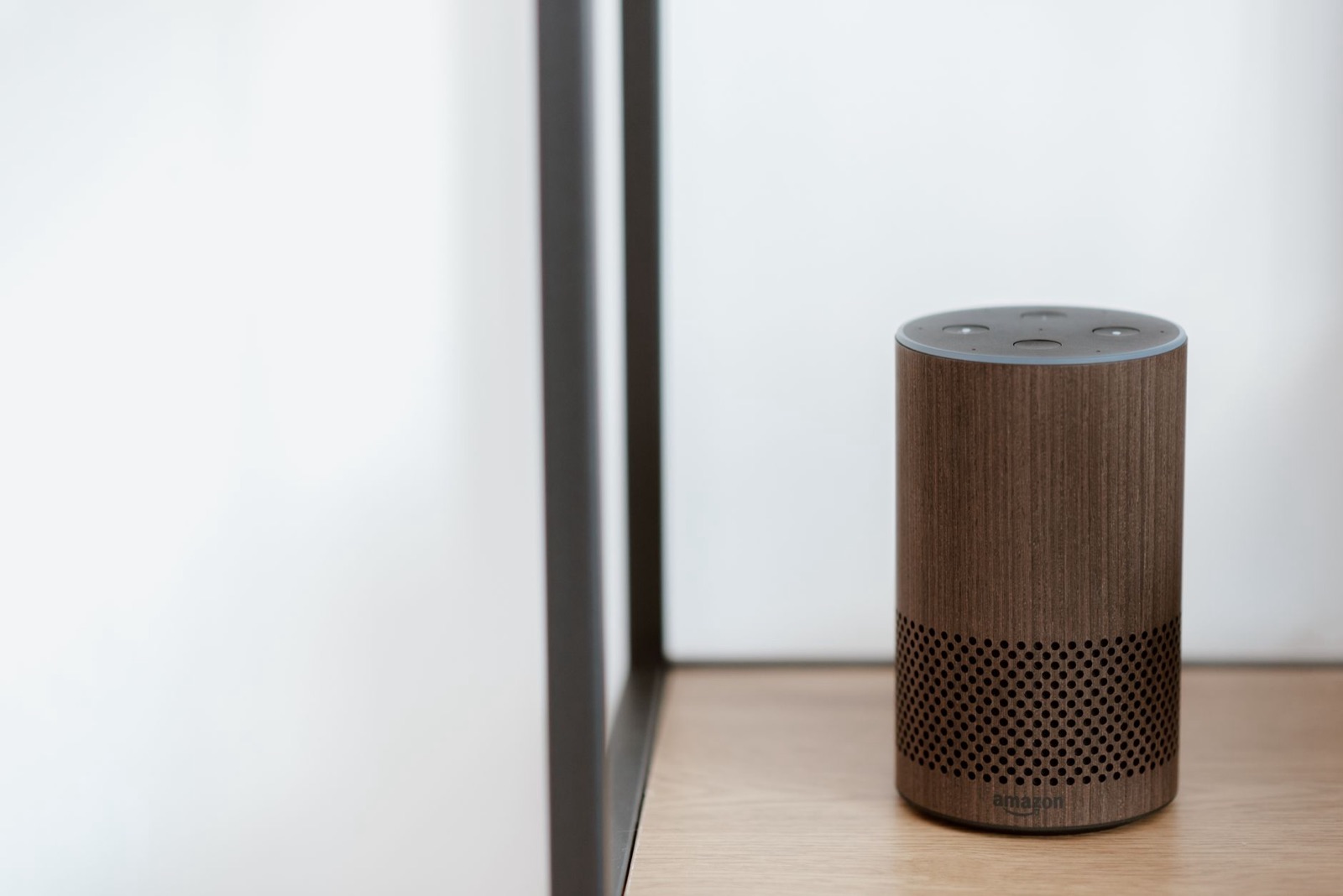
Smart speakers, voice assistants and kids: what is fine and what to switch off
A room-by-room look at smart speakers, voice assistants and talking toys around children: what is harmless, what to switch off, and how to check the history.
8 min read
Choosing a drawing app for kids: a parent's checklist
A practical checklist for judging any drawing app for children, plus a ten-minute test you can run on the sofa before your child ever touches it.
9 min read