Smart speakers, voice assistants and kids: what is fine and what to switch off
By the Scribblie team · Published · 8 min read
In this guide
- What these devices do when nobody is talking
- The kitchen speaker: probably fine, with the purchases off
- Children's profiles and kid modes
- The bedroom: why we would wait
- Reviewing the history together
- What children believe about a talking box
- Rules for the speaker that children can follow
- Talking toys and what is inside them
- Voice features in apps are a close cousin
- A fifteen-minute settings audit
- One thing to try this week
- Common questions
A smart speaker in the kitchen or the living room is usually fine for music, timers and silly questions, as long as you have switched off voice purchases, set up a children's profile or filter where one exists, and know how to check and delete the history. A speaker in a young child's bedroom, or a toy that records and sends audio away, deserves more thought.
This guide goes room by room, since that is how most of us actually meet these devices, and ends with a settings audit you can do in a quarter of an hour. Menus and features differ by brand and change often, so we describe what to look for by name, and suggest you check the maker's current help pages.
What these devices do when nobody is talking
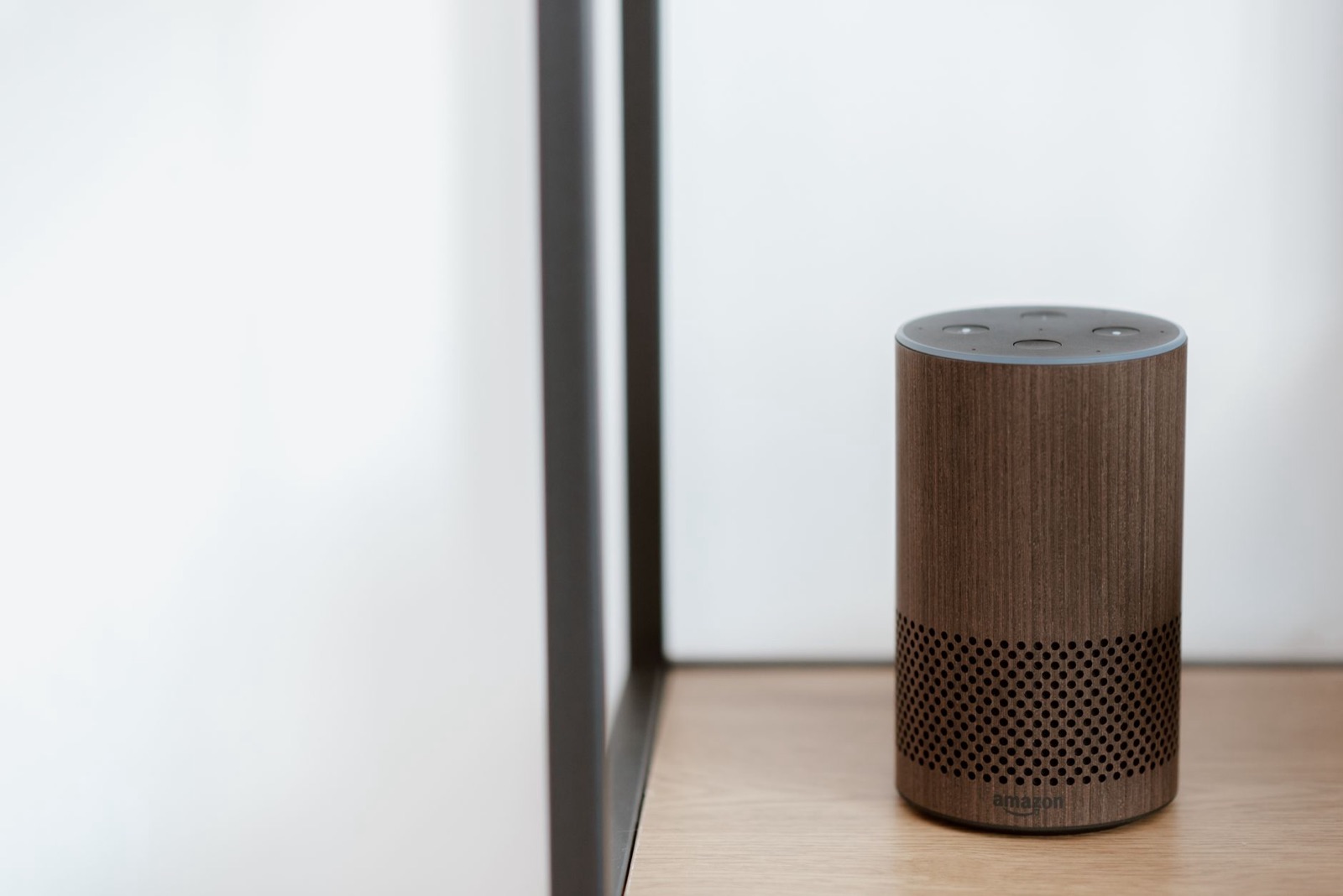
A smart speaker has a microphone that is always on in the sense that it is waiting for a wake word, such as the device's name. When it hears something it takes for that word, it starts sending audio to the company's servers, where the request is processed and an answer comes back.
Two things follow. First, the device can wake by mistake, perhaps because of a TV character with a similar name or a child who says something close to the wake word, and may capture a snippet you did not intend. Second, what happens to that audio afterwards, whether it is stored, for how long, and whether a person might ever review it, depends on the company and on your settings.
We cannot tell you what any particular brand does today, because policies change. What we can say is that these are the right questions, and that most devices offer a way to review and delete what has been stored. Our guide to reading a kids' app privacy policy applies just as well to a speaker's.
The kitchen speaker: probably fine, with the purchases off
The kitchen or living room is the natural home for a smart speaker, because you are there. Children ask for songs, ask how many sleeps until a birthday, ask it to tell a joke and then ask the same joke fifteen more times.
That is mostly harmless. The two settings we would sort out first are purchases and content.
Voice purchases. Many speakers can order things by voice. A child who has worked out that a magic phrase makes a parcel arrive is a story every parent has heard in some version. Find the voice-purchasing setting in the speaker's app and switch it off, or require a spoken or typed code that your child does not know.
Explicit content. Music services and assistants usually have a filter for explicit lyrics and adult material. Switch it on. It is imperfect, but it removes the obvious.
Beyond that, spend a minute on what the speaker can do for people who are not you. Can a child call a contact? Can they message a relative? Can they hear your calendar? Those are all things you can tighten in the settings.
Children's profiles and kid modes
Many brands offer a version aimed at children: a profile, a mode or a separate product, with filtered answers, age-suitable content and a parental dashboard. Names and features vary and change, so look for the setting by name, "kids", "family" or "child profile", in the speaker's companion app.
These can be helpful, and we would try them. But keep your expectations measured. A children's mode usually changes what content is offered and what the device may do, and it may come with its own data practices, which you can read in the policy. It does not turn the device into a nanny, and a filter can still miss things.
If your child uses a mode like this, test it as you would any product for them. Ask it the questions a seven-year-old might, including the awkward ones, and listen to how it responds.
The bedroom: why we would wait
A speaker in a child's bedroom is the place we would pause longest. It is convenient, since it can play a lullaby or tell a story, but it also puts a listening device in a room where a child plays, changes, sleeps and talks to themselves.
For younger children, we would keep speakers in shared rooms. If you do want one in a bedroom, set a sleep timer for audio, use the physical microphone-off button at night where there is one, and make sure the volume cannot suddenly jump. Check that nobody can use it to call or message without you knowing.
An alternative that many families like: a simple, non-connected audio player or a plain old CD player for stories and music. It does one thing, it does not listen, and children love pressing the buttons.
Reviewing the history together
Most assistants keep a record of what has been asked, in a companion app or an online account. It is worth looking at, not to spy, but to know what is going on.
Sit down once with your child and look at it together. It is often funny: a stream of requests for "poo songs" and questions about whether a dog can be a prince. It also shows you what the device is picking up, including wake-ups that no one intended.
Tell your child that you can see the history and that you will check it sometimes, in the same spirit that you check their drawings. Children who know are not hurt by it. Secret monitoring, on the other hand, can damage trust if it is discovered.
You can usually delete old recordings, and often switch on automatic deletion after a set time. If you would rather the speaker keep nothing, look for the option, and read what it says about features that may stop working as a result.
What children believe about a talking box
Young children often treat a speaker as a person living in the cylinder. They say please, they apologise when it does not understand, and some are sure it can see them. That is a lovely part of early childhood, and no reason to correct them harshly.
Over time, though, it helps to say a few plain things. It is a machine that listens for words and finds answers. It does not know them the way a friend does, and it cannot see them. It can be wrong. And if it ever says something that makes them uneasy, they should tell a grown-up straight away.
You can turn this into a game. Ask the speaker something where it is likely to stumble, such as a question about your family, and enjoy the answer together. Children relish a machine getting something wrong, and it plants the idea that answers can be checked.
Rules for the speaker that children can follow
A few simple house rules help, and children are surprisingly good at keeping them when they know the reason.
- No asking it to buy anything. If you want something, ask a grown-up.
- No telling it private things: full names, addresses, passwords, where the spare key lives.
- We use it in the shared rooms, not behind closed doors.
- If it says something strange, we tell a grown-up and nobody is in trouble.
Say them once, calmly, and repeat them when a new child visits. Cousins and friends will not know your rules, and they may find a speaker irresistible. If younger children are around, you can mute the microphone for the afternoon and bring it back after.
For the very youngest, the same thinking applies more strongly. The tone we take in screen time for toddlers is a good guide: close, brief and led by a grown-up.
Talking toys and what is inside them
Toys that talk range from a plush with six pre-recorded phrases to a connected toy that listens, sends audio away and replies with generated speech. Those are very different products, and it is worth knowing which you are holding.
For the simple kind, there is little to worry about beyond the volume and the number of times it can say its one sentence. For the connected kind, ask the same questions as for any app: does it need an account, where does the voice go, can it be switched off, and what does the company keep?
Whether a talking toy is good for a baby is a question we would answer cautiously. A baby learns a great deal from faces and voices and from play with people. A toy that talks is not a problem, but it is not a substitute either, and we would not buy one for a baby on the promise that it teaches something. For older children, a voice toy can add to pretend play. Our piece on whether talking toys are good for kids looks at the play side in more depth.
Voice features in apps are a close cousin
A drawing or story app that lets a child talk to it is, in many ways, a voice assistant with a smaller job. The same questions apply: when is the microphone on, where does the audio go, is it stored, and can you switch it off.
We build one, so here is how ours handles it, with the usual note that it is not in the stores yet. The child talks to their drawing by voice, and nothing needs to be typed. The child's voice is sent for transcription and deleted after transcription. A parent can switch listening and speaking off separately, from behind a grown-up check. The friend's replies may be generated by AI models and can sometimes be imperfect, so a safety check runs on what it says. How Scribblie works has the details, and our broader piece on whether AI is safe for kids lists the questions to ask of any product like it.
A fifteen-minute settings audit
Pick a time when the children are out of the room, and do this with your phone and the speaker's app.
- Find the history or activity section and look at what is stored. Delete what you like.
- Find the voice-purchasing setting and switch it off or add a code.
- Switch on the explicit-content filter.
- Look at the list of people and accounts linked to the speaker, and remove any that should not be there.
- Check what it can do by voice for any user: calls, messages, reading your calendar, controlling the front-door lock.
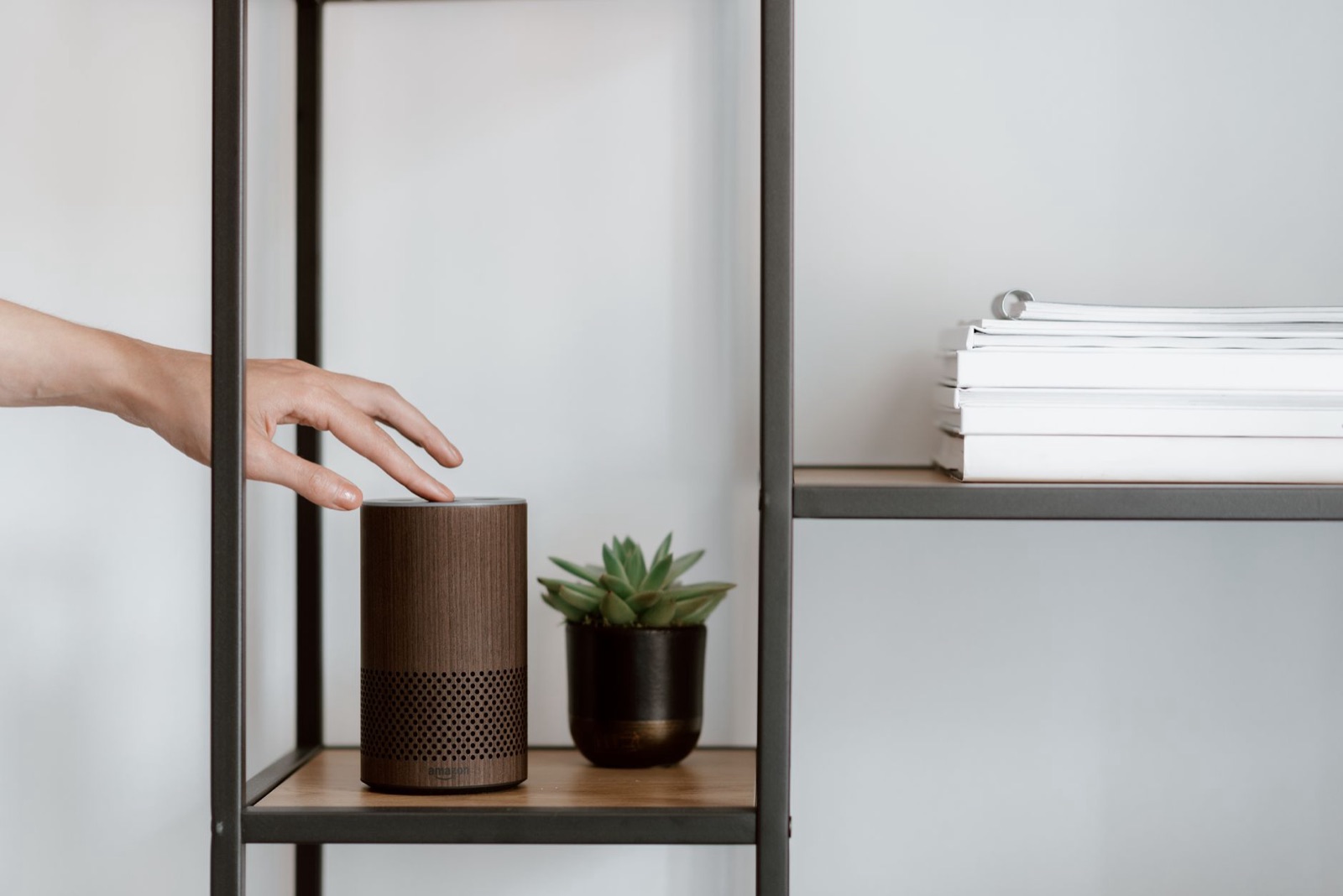
- Find the microphone mute button on the device and show it to your child, so they know what it does.
- Decide where the speaker lives, and keep it out of the bedrooms of younger children.
One thing to try this week
Stand in the kitchen with your child and ask the speaker a question you do not know the answer to. When it replies, ask your child whether they believe it, and how they could check. It takes thirty seconds, and it starts teaching a child that a confident voice is not always a right answer.
Common questions
Are voice assistants okay for kids?
Many families use them for music, timers, simple questions and stories, and for a lot of that they are fine. The things to manage are purchases, the recording history, adult content and what the device does when no grown-up is nearby. Settings let you tighten each of those.
Do smart speakers record children all the time?
Most are designed to listen for a wake word and only then send audio to the company, but they can wake by mistake and capture more than you meant. Check the device's own privacy settings and the company's current explanation. You can usually review and delete recordings, and switch the microphone off with a button.
Are talking toys good for babies?
A talking toy is not harmful in itself, but a baby gets more from faces, voices and play with people than from a toy that talks. If you have one, treat it as a sometimes thing, check whether it records, and make sure it has a way to switch the voice off.
How do I stop my child ordering things on the speaker?
Look in the speaker's app for voice purchasing and turn it off or require a code. Do this even if you think no card is attached. Review any orders and subscriptions now and again.
Can I see what my child asked the voice assistant?
Often, yes. Most assistants keep a history in a companion app or online account, where you can listen to or read requests and delete them. Where the history lives differs by brand and changes over time, so search the settings for history or activity.
Should kids have a smart speaker in their bedroom?
We would hold off for younger children. A device that listens in a bedroom, especially overnight, is something to think hard about, and many families prefer to keep speakers in shared rooms. If you do use one for bedtime stories or a lullaby, set a timer and check the microphone settings.
Keep reading
Is AI safe for kids? Questions to ask before your child talks to a chatbot
No AI app earns a blanket yes or no. These are the questions we would ask about any chatbot, talking toy or voice feature before a child uses it.
9 min read
How kids' apps handle your child's data: what to look for in a privacy policy
A plain-English way to read a children's app's privacy policy, with the words to search for, what the big privacy laws are about, and a fifteen-minute routine.
9 min read
Screen time for toddlers: video calls, drawing apps and what to skip
A practical, guilt-free guide to screen time for toddlers: what to look up in current guidance, why video calls are different, and what to skip.
8 min read