Screen time for toddlers: video calls, drawing apps and what to skip
By the Scribblie team · Published · 8 min read
In this guide
- What the published guidance says, in outline
- Why a video call is not the same as a video
- The guilt, and what to do with it
- Co-viewing: sitting with them is the whole trick
- The things we would skip
- Drawing apps for toddlers: what to look for
- Why paper often wins at this age
- When someone else is minding your toddler
- A calm way to plan a toddler's day
- Where Scribblie fits, if at all
- A small thing for this week
- Common questions
For children aged two and under, published guidance is cautious about screens, and the safest bet is to keep them rare, short and shared. A video call with a grandparent is a different thing from a video that plays by itself. And when you want a drawing activity, paper and a fat crayon usually beat a tablet, for reasons we will get to.
Nobody reading this is failing. If your toddler has watched a programme so that you could cook, get through a bad night, or sit down for ten minutes, that is ordinary parenting. This guide is about making the screen time you do have a little more thoughtful, and about what we would skip.
What the published guidance says, in outline
Two sources are often cited. In 2019 the World Health Organization published guidance on physical activity, sedentary behaviour and sleep for children under five, and it includes advice about screen time for the youngest children. The American Academy of Pediatrics has also published a framework on children's media use, which it has revised over the years.
We are deliberately not quoting numbers or wording. Guidance is updated, a paraphrase on a website is the wrong place to get the current position, and the detail can differ for babies, for one-year-olds and for two-to-five-year-olds. Please look up the current version from each organisation and read it yourself. It takes a few minutes.
The general direction, as we understand it, is cautious for the very youngest and gradually more relaxed with age, with attention to what the screen is, who is present and what it takes the place of. If you want to see how that picture develops as children grow, how much screen time is reasonable by age goes through the stages.
Why a video call is not the same as a video
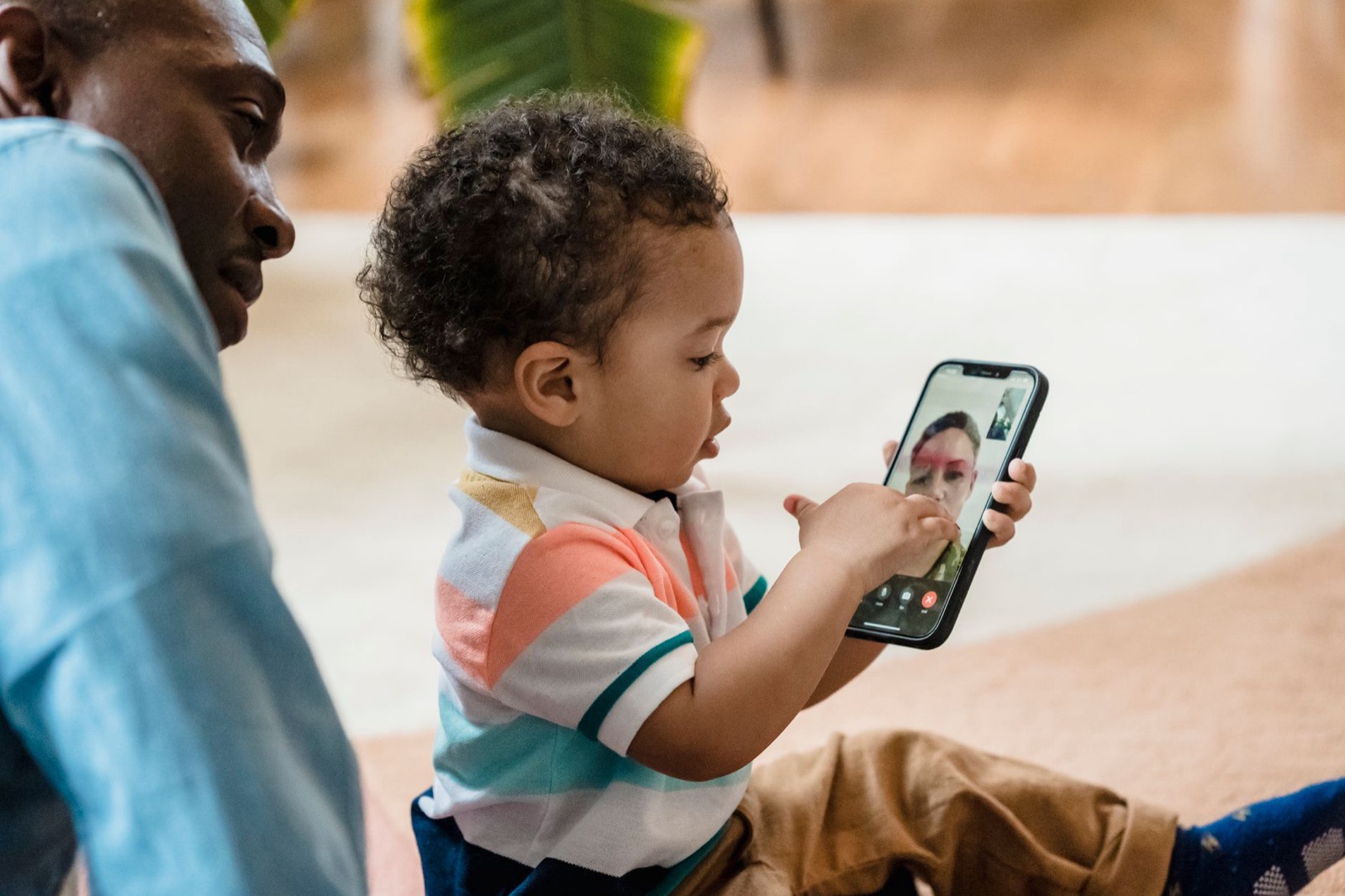
When a grandmother on a phone says your child's name, waves, and waits for a response, something is going on that a cartoon does not do. The child is being spoken to by someone who knows them. She pauses, he reacts, and the conversation goes both ways.
That interaction is why many guidelines treat video calls separately from other screen use. We think that is sensible, and we would not feel guilty about a daily call with a relative who lives far away.
A few things make calls go better. Sit beside your toddler, since a screen at arm's length can be hard to attend to. Keep calls short, since a two-year-old's attention is short too. Tell the relative what works: sing a song, show a toy, ask about the dog. And let the call end the way you would a visit: a wave, a kiss blown, a goodbye.
Some of the best calls are the odd ones. A grandfather holding up a drawing and asking for one back; a child showing a cat on a screen; an aunt reading the same board book you have at home. If you want more ideas, kids and grandparents drawing together has a few that work across a distance.
The guilt, and what to do with it
A lot of writing about toddlers and screens is written to make parents feel bad, so we will not add to it. Most of us live in homes with screens everywhere, and a baby will notice them from the first months. You will not get through this by never using one.
What helps is a short list of things you can actually control: you choose what is on, you are there when it is, it ends cleanly, and it is not the only tool you have for calming a child. If most days look broadly like that, you are doing fine. If they do not, change one thing and see.
Co-viewing: sitting with them is the whole trick
If you do use screens with a toddler, the most useful single habit is being there. Watching together turns a passive thing into a shared one.
It does not have to be elaborate. Sit beside your child and say what you see. "The dog is running." "Oh, he is sad." Point at things. Repeat words. Let your child look at you as well as at the screen. A toddler learns language from the people around them, and the screen is more useful when you are doing the talking.
It also gives you a window into what is on. A thirty-second glance tells you whether the pace is calm or frantic, whether the sounds are gentle or sharp and whether anything is likely to frighten a small child. We would choose slow, simple and quiet over fast, bright and noisy, though preferences differ among children.
When it ends, do something. Sing the song, find the animal in a book, or look out of the window for a bird. That bridge from screen to real world is where much of the value lies.
The things we would skip
Some features suit toddlers badly, and we would avoid them where we can.
Autoplay. A video that rolls straight into the next one removes the natural ending point, and small children cannot stop it themselves. Turn it off in the app's settings where you can, or choose something with a clear finish.
Endless feeds and shorts. Rapid clips from an algorithm are designed to keep a viewer watching. A toddler cannot choose or stop. We would give those a wide berth.
Apps with ads and purchases. A toddler cannot tell an advert from a game, and a stray tap can spend money or open a store. Our piece on why "no ads" matters goes through it in detail.
Screens as the way to settle. It is tempting to use a screen to calm a tantrum or get through a meal. Occasionally, that is fine. As a pattern, it can make it harder for a child to learn to settle in other ways, and for you to find out what works. Try a few other things first: a song, a snack, a change of room.
Screens at bedtime. Keep them out of the last stretch of the day and out of the cot. A calm routine with a book and a lullaby does the job more reliably.
Drawing apps for toddlers: what to look for
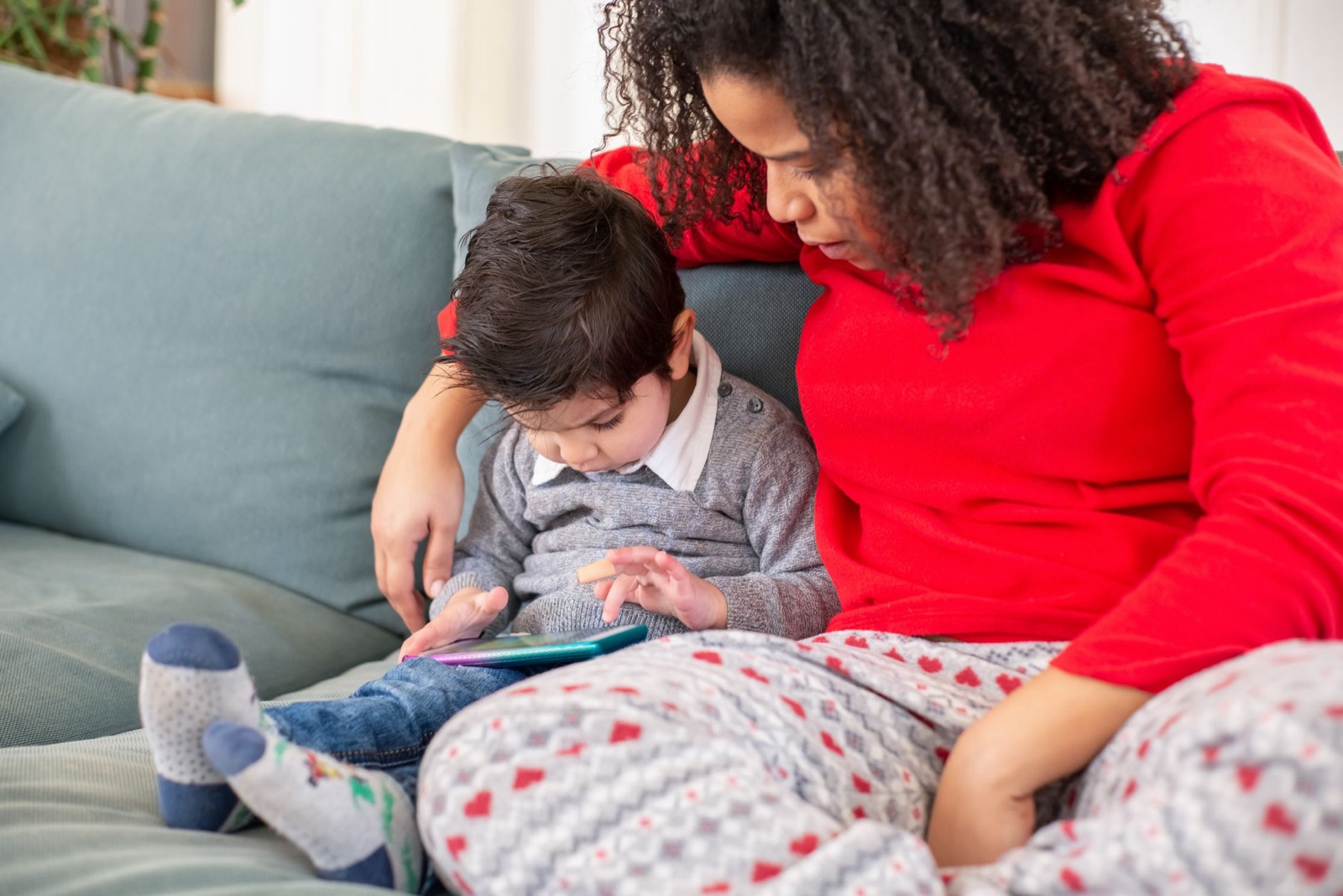
Many toddlers love to poke a screen and watch colour appear. That is a reasonable thing to enjoy, and a simple finger-painting app can be a pleasant ten minutes with you beside them.
If you try one, look for a plain canvas, large buttons, no ads, no purchases, no links out and a way for you to lock it to the app. Our checklist for choosing a drawing app covers it in detail, and the tips in parental controls on iPad and Android tablets show how to pin the tablet to a single app so a poking finger cannot wander.
Be wary of apps that promise to teach your toddler to draw, read or count in minutes. We cannot say whether a given app delivers on that, and we do not make such claims for our own. Toddlers learn from play, from people and from repetition, and an app can be a pleasant part of that without being a teacher.
Why paper often wins at this age
For a two-year-old, the point of drawing is not the picture. It is the marking: the hand pushing, the crayon dragging, the sound it makes and the line that appears and stays. Our guide to the toddler scribble stage explains what is going on and why it matters.
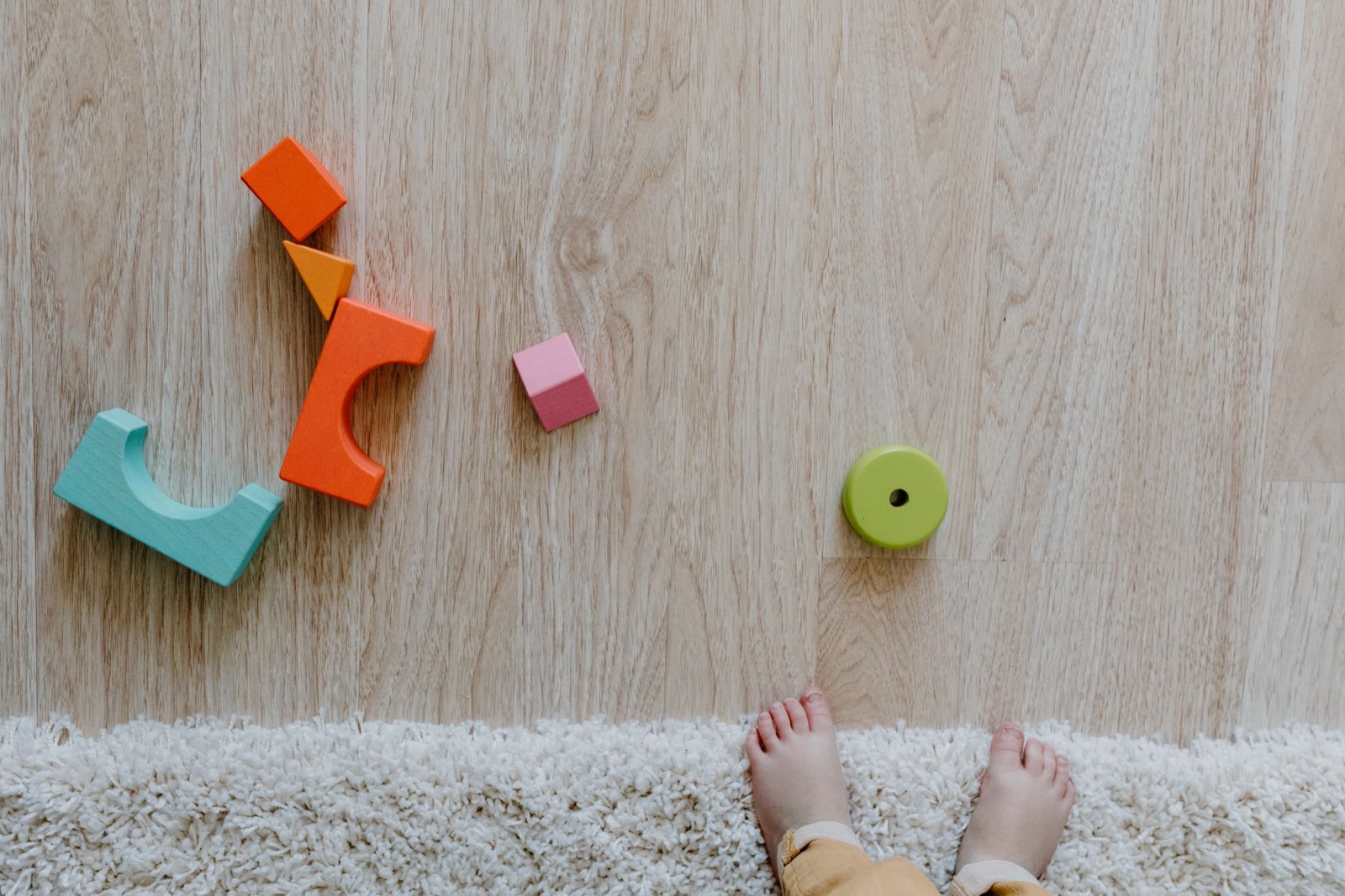
A screen gives colour and instant response, but it does not give weight, resistance or a mark that you can feel with the side of your hand. Paper does. A chunky crayon on a big sheet of paper, taped to the floor so it does not slide, gives a toddler a lot to explore.
Paper also does something screens struggle to do: it makes a mess, and the mess is part of the pleasure. Water, crayons and an old tablecloth underfoot can fill half an hour. One practical note: crayons and any small drawing tools can be a choking risk for the youngest, and toddlers put things in their mouths, so choose chunky, non-toxic ones made for their age and stay close.
When someone else is minding your toddler
Nurseries, childminders, grandparents and friends all have their own habits. You cannot control what happens in another house, and trying to will exhaust you.
What you can do is ask, lightly. "Do you use the tablet or TV with the little ones? What do you put on?" is a friendly question, and the answer is useful. Tell them what you prefer, in a sentence or two: no autoplay, nothing before bed, a call to Granny is welcome. Most carers appreciate a clear steer.
Be easy on yourself and on them. A grandparent who puts on a favourite programme for half an hour so they can cook has not undermined your parenting. Save the firm conversation for the things that matter most to you, and let the rest go.
A calm way to plan a toddler's day
You do not need a chart, but a rough shape helps.
Think of the day as having anchors: sleep, meals, outdoor time, time with people and a bit of floor play. The screen, if there is one, fits in the gaps and not in the anchors.
Choose when it happens, so that it is predictable: maybe a short programme while you make dinner, or a video call after lunch. Have a way to end it that your toddler recognises, such as a song or a wave goodbye to the screen. And have a next activity ready, something simple, such as a snack or a walk to the postbox.
If a day goes off the rails, with a cold, a long journey or a bad night, adjust, and go back to the shape the next day. Toddlers bounce back better than the internet suggests.
Where Scribblie fits, if at all
We make a drawing app for children, and it is not for toddlers. Scribblie is made for roughly five to eight, with settings for under five and for nine to twelve, and it is not in the stores yet. A child draws, and the drawing wakes up and talks back by voice. That is a lot for a two-year-old, and we would not suggest it. If you have an older child as well, how Scribblie works explains what it does and does not do.
For toddlers, our honest advice is simpler: floor, paper, a fat crayon, a person.
A small thing for this week
Tape a big sheet of paper to the floor or to a low wall, put out two chunky crayons, and sit down beside your toddler. Draw alongside them, with no goal, just marks. Notice how long it holds their interest, and what happens when the crayon rolls away.
Common questions
How much screen time is okay for a toddler?
Published guidance for the youngest children is cautious, and the WHO's 2019 guidance for under fives and the American Academy of Pediatrics both address it. Both are revised from time to time, so read the current versions yourself. In practice, many families keep it short, shared and occasional, with a grown-up close by.
Are video calls with grandparents counted as screen time?
Many guidelines treat video calls differently from watching videos, because a child is interacting with a real person. They still happen on a screen, so keep calls short and keep an eye on how your child copes. Toddlers often do better when a grown-up sits beside them.
What are the best screen time options for babies?
The simplest answer is very little, and mostly with you. A video call with a relative is probably the most natural use. For everything else, faces, floor time, songs and simple objects offer more.
Are there good apps for 2 year olds?
Some are designed with young children in mind, and a few are pleasant, but we would be cautious about promises that an app teaches your toddler. Look for no ads, no purchases, no autoplay and a simple screen, and sit with them. Our checklist for choosing a drawing app applies here.
Is it bad if my toddler already watches a lot of screens?
It is not something to panic about, and it is never too late to adjust. Start with small changes, such as ending autoplay and adding a daily play slot without screens. If you are worried about your child's development or sleep, talk to their doctor.
Should I let my toddler draw on a tablet?
A short, shared session is fine for many families, but paper and chunky crayons give a toddler things a screen cannot: texture, pressure and a mark that stays. If you use a tablet, keep it as one option among others.
Keep reading
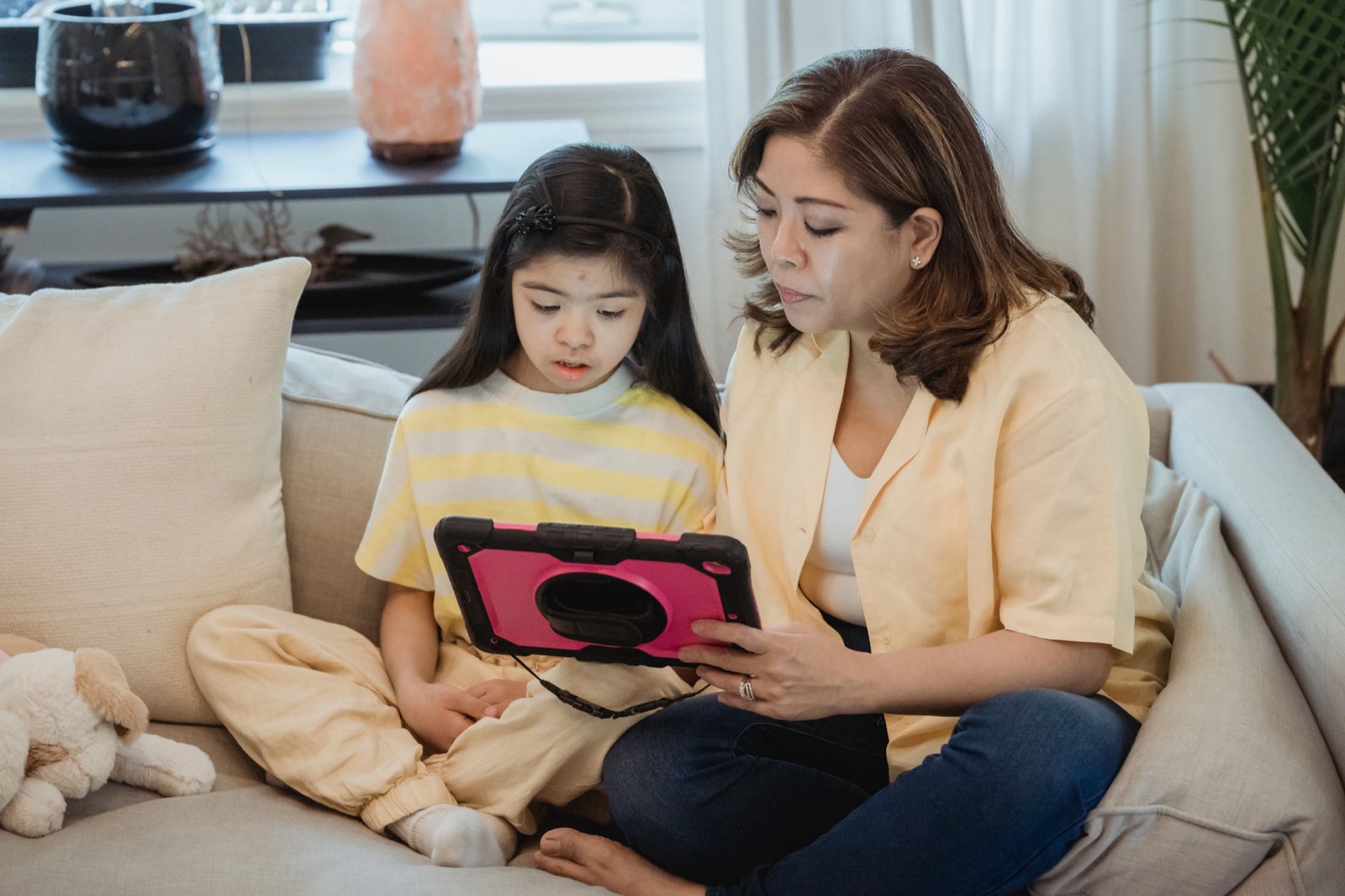
How much screen time is reasonable? A calm guide by age
There is no magic number, but there are sensible starting points. A calm guide to screen time by age, built around context and routine rather than guilt.
8 min read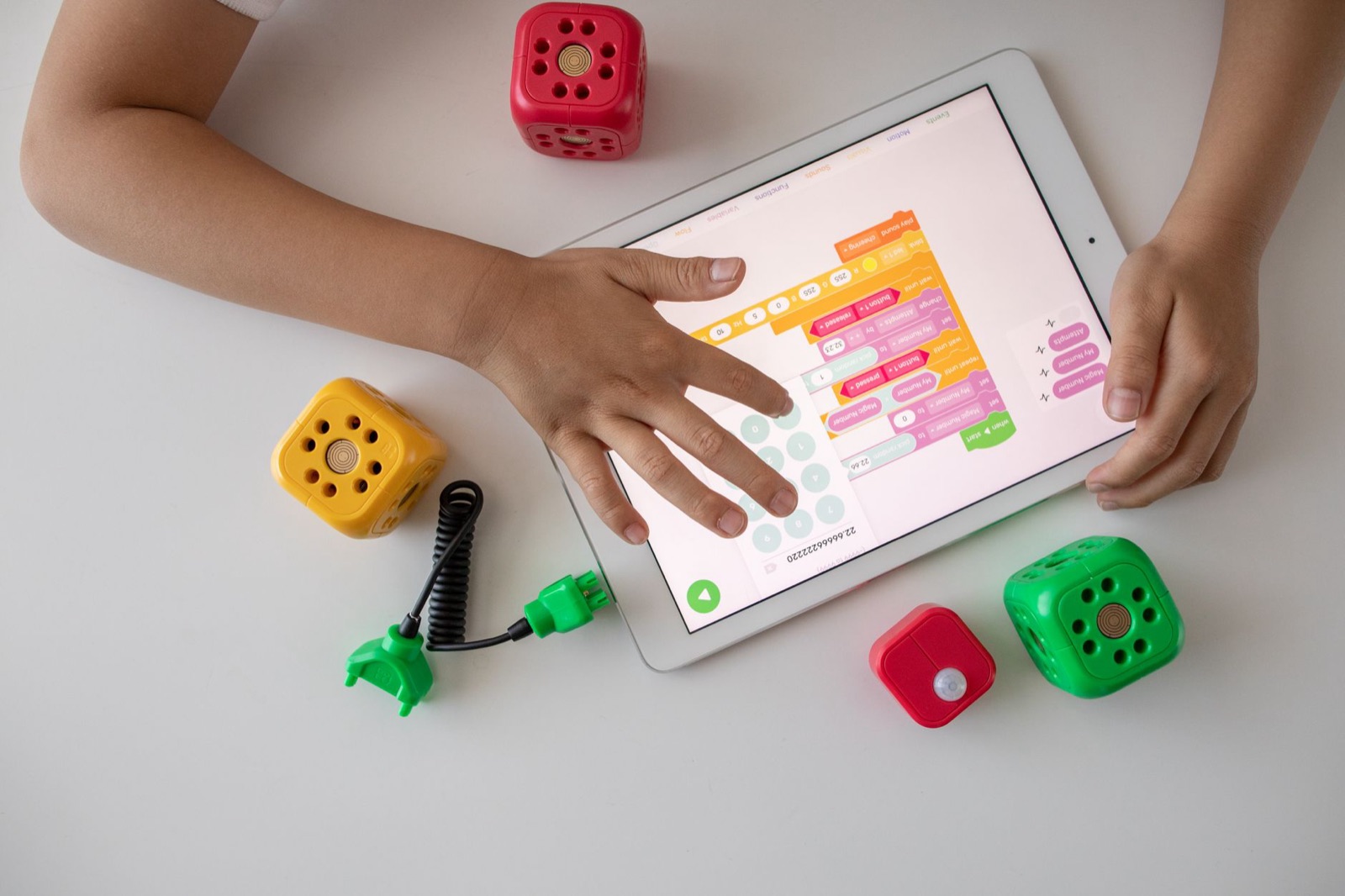
Why “no ads” matters in a kids' app (and how to check the claim)
A neutral look at what ads do inside a children's app, how free apps make their money, and how to test a no-ads promise instead of just trusting it.
8 min read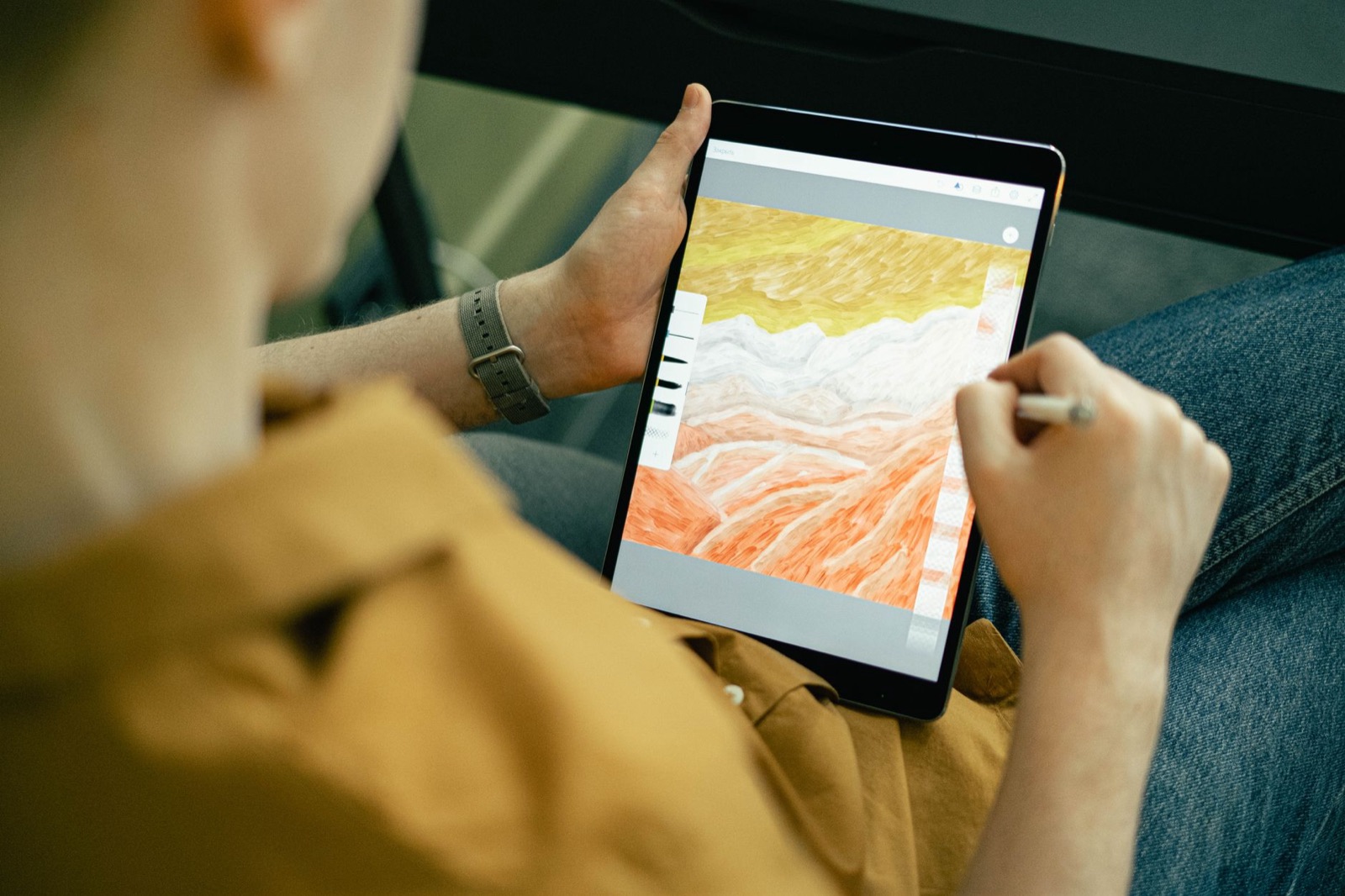
Choosing a drawing app for kids: a parent's checklist
A practical checklist for judging any drawing app for children, plus a ten-minute test you can run on the sofa before your child ever touches it.
9 min read