How much screen time is reasonable? A calm guide by age
By the Scribblie team · Published · 8 min read
In this guide
- Where the published guidance fits
- Under two: the cautious end
- Two to five: short, shared and boring on purpose
- Six to eight: the age of the argument
- Nine to twelve: more independence, same basics
- Why the clock is only half the story
- What replaces what
- Weekends, holidays and sick days
- A week-long experiment for a worried parent
- Setting up the rest of the house
- A line to keep in your pocket
- Common questions
You were probably hoping for a number. There is no single amount of screen time that is right for every child, and anyone who sells you one is guessing. What you can do is start from published guidance for your child's age, watch how your child actually seems, and make sure screens are not crowding out sleep, movement, meals and people.
This guide goes through the ages one at a time, then spends longer on what matters more than the minutes: what the screen is, who is there, and how the session ends.
Where the published guidance fits
Two sources come up most often, so it helps to know what they are. In 2019 the World Health Organization published guidance on physical activity, sedentary behaviour and sleep for children under five. Among other things, it speaks specifically about time spent in front of screens for the youngest children. The American Academy of Pediatrics has published a framework for families on children's media use, and has changed its advice over the years as the way children use media has changed.
We are not going to quote either of them here. Guidance gets revised, and a paraphrase from a website like ours is the wrong place to learn the current wording. Look up the latest version from each organisation, read it once, and treat it as a starting point you can bend to your family, not a rulebook you can fail.
Neither source promises that a certain number of minutes is harmless or harmful for every child, and we do not want to pretend otherwise.
Under two: the cautious end
For babies and children under two, the general direction of published guidance is cautious. Video calls with family are often treated differently from other screen use, since a child is responding to a real person who is responding back. We cover the practical side in screen time for toddlers, including what to do about autoplay and why paper tends to win.
If your baby has watched something, you have not damaged them. Many parents have used a phone to get through a long train journey or a bad evening. The aim is to keep screens from becoming the default way to settle, feed or occupy a very small child, because those hours are precious for faces, voices, floors and hands.
Two to five: short, shared and boring on purpose
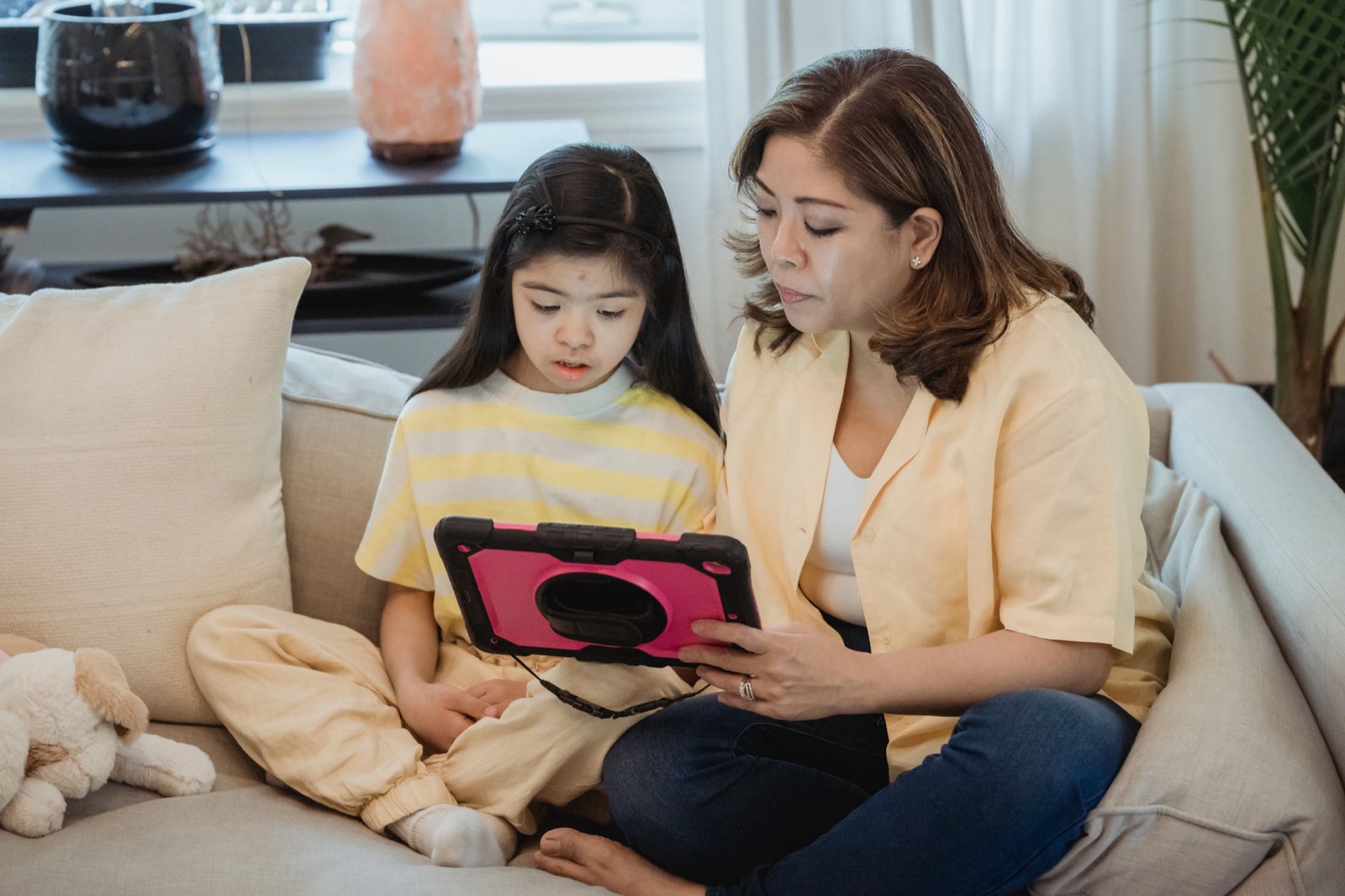
Between two and five, children begin to enjoy characters, songs and stories, and many families start allowing some screen time. Published guidance for this age tends to favour limited amounts, content chosen with care, and a grown-up who watches with the child and talks about what is happening.
In practice, the best version of this age looks like three things: short sessions, with a clear end; a grown-up nearby, even if they are doing the washing up in earshot; and a plan for what comes next. The last part matters more than parents expect. A child who is switched off with no idea what happens next has a rougher time than one who knows that after this programme comes snack and then the park.
For this age we would also skip autoplay, since it removes the natural ending point, and we would be cautious about apps whose whole job is to keep a child inside them. Our checklist for choosing a drawing app shows how to spot those.
Six to eight: the age of the argument
Here is where it gets harder, because children can now argue. A six-year-old asks for "five more minutes" in six different ways, and has opinions about what the neighbour's child is allowed.
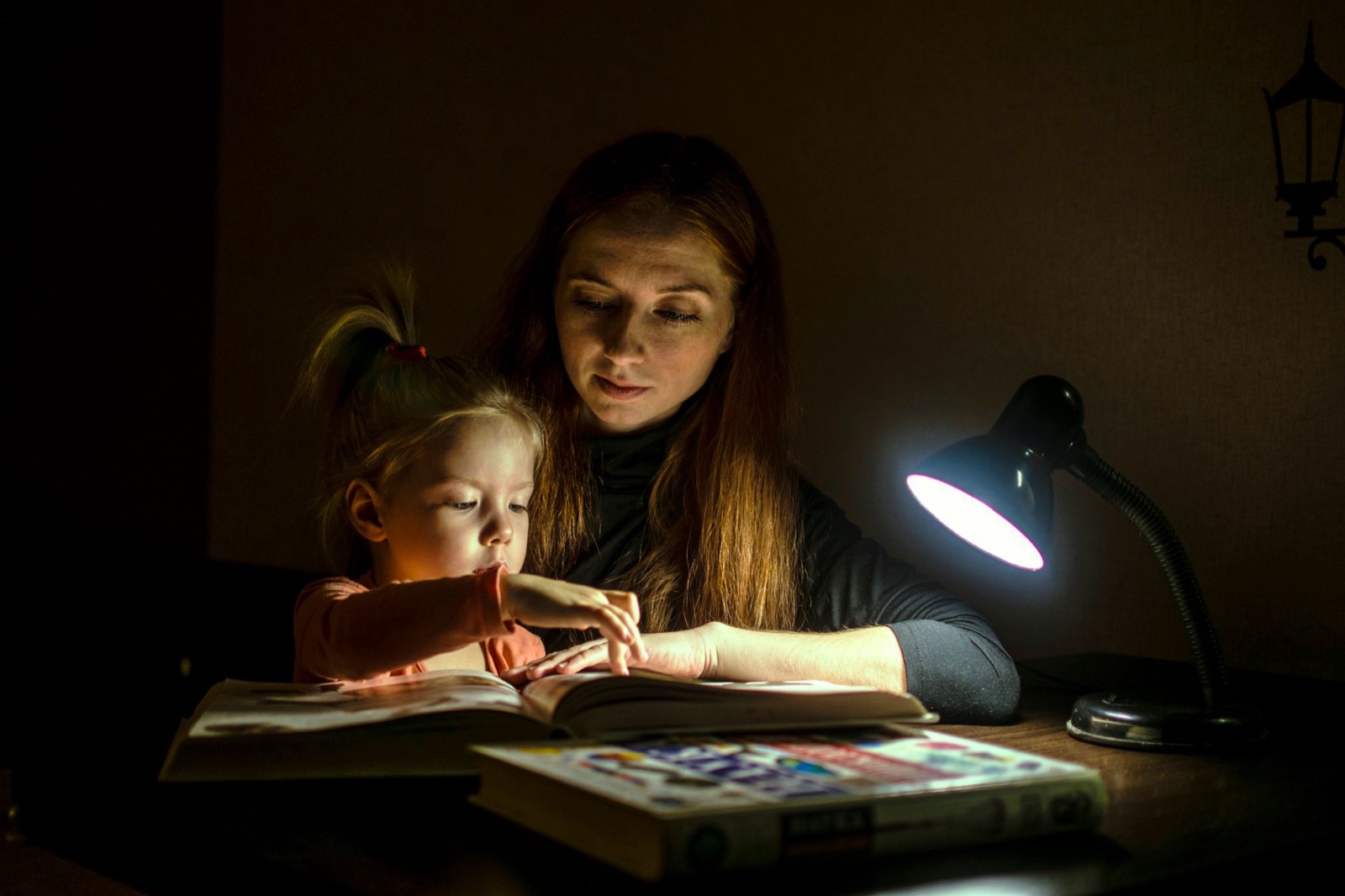
Many families find that what works at this age is routine rather than a minute count. Screens happen at certain times, in certain places, after certain things are done, and they stop at a signal the child can see. A visual timer or a song that finishes, something the child can watch, works better than a parent saying "that's enough" in the middle of a level.
If you are asking "how long for a six-year-old", our answer is to start with what published guidance for school-age children currently says, pick a modest window you can keep, and be honest with yourself about school days versus weekends. A rule you can apply calmly most days beats a tighter rule you drop after a week. For help making it stick, see bedtime and play limits that stick.
Nine to twelve: more independence, same basics
Older children use screens for school, friends, music and games, so a single daily total becomes less useful. A child who spends an hour on a school project and an hour in a group chat is having two very different hours.
At this age, we would shift the conversation from "how long" to a short list of things that need to stay protected: sleep, homework, meals, some time outdoors, and time with people in the same room. Devices charge outside the bedroom. Older children can help write the rules, and are far more likely to keep rules they helped to write.
This is also when you start talking about what they see and who they talk to. We keep that outside the scope of this guide, but the basics from our AI safety questions apply to any app that talks back.
Why the clock is only half the story
Two children can each have an hour of screen time and have very different hours. One draws a dragon with her grandfather on a video call, then shows him the finished page. The other watches clips, one after another, that start by themselves.
When we try to work out whether a session was a good one, we ask a few questions after the fact.
- Was my child making, choosing or talking, or just receiving?
- Did a person take part, even from the next chair?
- Did it end easily, or was the ending a fight?
- What did it push out: sleep, outdoor time, a meal at the table?
- How does my child seem afterwards: settled, or wound up?
None of these gives you a score. They give you a pattern, and the pattern is more useful than a stopwatch. We expand on the first question in creative screen time versus passive screen time.
What replaces what
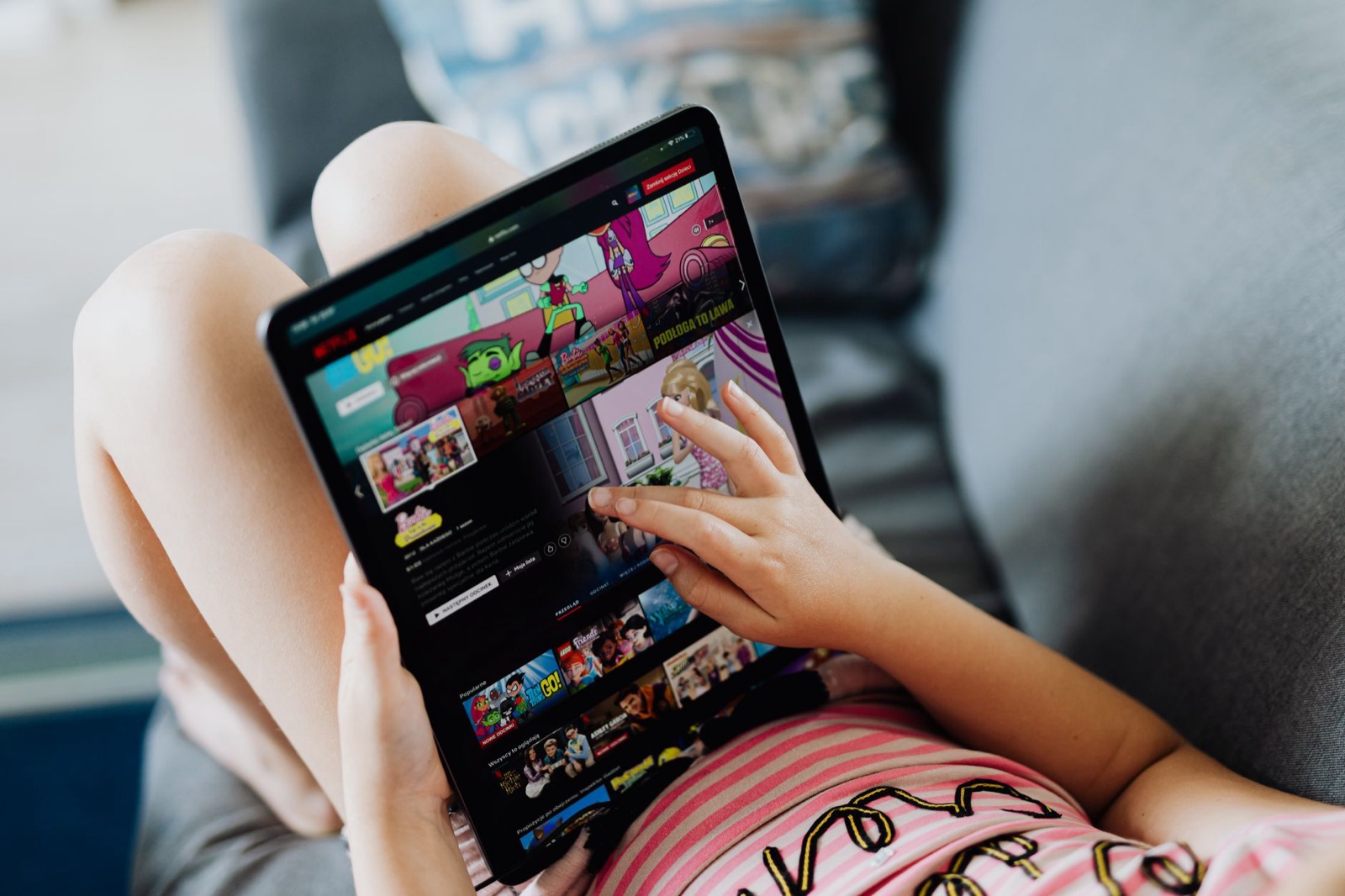
Time is a finite thing. If a child has two hours of screens, those two hours came from somewhere. That is arithmetic, not a moral claim, and it is a better way in than arguing about limits.
Make a short list of what must still happen in a typical day: sleep, meals, school, some movement, a stretch with a parent. Then see what room is left. For many families, the screen window is whatever remains once those are protected, and that is an easier rule to explain to a child than a number pulled from the air.
It also helps you see your own habits. If the tablet is in your child's hands because you need twenty minutes to cook, that is a perfectly reasonable use. Notice it, and plan for it. The same twenty minutes every evening is a routine you can adjust, not a failure.
Weekends, holidays and sick days
Rules that ignore real life do not last. A child with a fever on the sofa is going to watch something, and a long rainy holiday will not look like a school Tuesday. Decide in advance what changes and say so, so that it is a planned exception and not a slow slide.
One approach many parents like is a base rule plus named exceptions: the usual window on ordinary days, a longer one on weekends, and a plain "we are ill, so today is different" for sick days. The important bit is that the rule snaps back afterwards without a speech. Children cope well with exceptions when they are clearly labelled and clearly temporary.
Travel is the other big one. Long journeys are where many of us reach for a screen, and we think that is fair. Pack a few paper things as well, since a notebook and a pencil case have rescued more car trips than most people admit (our guide to car trip drawing games has ideas).

A week-long experiment for a worried parent
If you are not sure where your family stands, here is something small to try for a week. It costs nothing and it does not require you to change anything at first.
- For seven days, jot down roughly when screens are used, what for, and how the end went. A line in your phone notes is enough.
- At the end of the week, look for patterns. Is it always the same time of day? Is it always the same app? Is the end always the fight?
- Pick one thing to adjust, not five. Maybe the end signal, maybe the place, maybe the app.
- Tell your child what you are changing and why, in a sentence they understand.
- Try it for another week, then look again.
If the picture worries you, or your child seems unusually upset, withdrawn or unable to settle without a screen, talk to your child's doctor or teacher. A tally in your notes will not diagnose anything, and we cannot either, but it gives them something concrete to work from.
Setting up the rest of the house
Rules go easier when the environment helps. A few small things matter more than you might expect.
Keep screens out of the bedroom at night where you can, and charge devices somewhere central. Turn off autoplay where the app lets you. Use the device's own limits as a backstop, not a punishment (our guide to parental controls on iPad and Android tablets explains the usual options). And try to put your own phone down at the points where you are asking your child to put theirs down. Children notice.
Some apps also have their own limits. The one we are building, Scribblie, lets a grown-up set a play-time limit and a bedtime inside the app, and it is not yet in the stores. We mention it only because we think app-side limits are a helpful second layer, not because it should replace your own rules. If you are curious about how it works, how Scribblie works has the details, including what it cannot do.
A line to keep in your pocket
Some evenings the plan will fall apart. The screen will run long, someone will cry and dinner will be late. That does not mean you have failed at screen time.
A small question tends to help. What would make tomorrow slightly easier? Maybe a timer. Maybe a walk after school. Maybe a drawing on paper while dinner cooks, the tablet left on the shelf. Pick one, try it, and see what your child makes of it.
Common questions
How long should a child have screen time each day?
There is no single number that fits every child. Health bodies publish guidance for different ages, and it is worth reading the current version, but it works best as a starting point. What the screen is, who is with your child, and what it replaces matter as much as the minutes.
What is the best screen time limit for kids?
The best limit is one your family can keep, that leaves room for sleep, meals, outdoor play and time with people. For many families that means a daily window rather than a precise count, agreed together and applied the same way on most days. A limit that collapses every second day teaches children that rules are negotiable.
How long should screen time be for a 6 year old?
Many families aim for a modest, predictable amount on school days and a little more at weekends, with real breaks between sessions. We would not give a fixed figure, because it depends on what the child is doing and what else the day holds. Check the current published guidance for school-age children and adjust to your own household.
Does the type of screen time matter more than the amount?
Often it does. Making a drawing, video calling a grandparent or playing a game together is different from scrolling alone through clips that autoplay. Neither kind needs a grown-up to feel guilty, but the difference helps you decide where to be flexible.
Is it okay to use screens as a reward or punishment?
This often backfires, since it makes screens the most valuable thing in the house. It can work better to treat screen time as a normal part of the day with an end point, the same as bath time or dinner. We would keep rewards for things that are not screens.
What do the WHO and the American Academy of Pediatrics say?
The WHO published guidance in 2019 on physical activity, sedentary behaviour and sleep for children under five, and the American Academy of Pediatrics has published a framework for families on media use. Both are updated from time to time, so look up the current versions rather than relying on a summary, including ours.
Keep reading

Creative screen time vs passive screen time: how to tell the difference
Four plain questions that help you sort a child's screen time into making, choosing, talking and just watching, without guilt and without scare statistics.
8 min read
Screen time for toddlers: video calls, drawing apps and what to skip
A practical, guilt-free guide to screen time for toddlers: what to look up in current guidance, why video calls are different, and what to skip.
8 min read
Choosing a drawing app for kids: a parent's checklist
A practical checklist for judging any drawing app for children, plus a ten-minute test you can run on the sofa before your child ever touches it.
9 min read