Creative screen time vs passive screen time: how to tell the difference
By the Scribblie team · Published · 8 min read

In this guide
- Why a sorting idea helps at all
- Four questions that do most of the work
- What this looks like on an ordinary Tuesday
- The gray areas
- A paper drawing and a screen drawing are not rivals
- Where talking-back apps fit
- Setting the stage so making is the easy option
- How to nudge a passive session toward something more active
- Children differ, and so do days
- When it is okay to just let them watch
- Try this tonight
- Common questions
A quick way to tell the difference: ask whether your child is making, choosing or talking, or whether something is simply happening to them. Making a picture, deciding what the dragon does next, chatting with a grandparent on a video call: those lean creative. Watching clips that play one after another with no input from anyone: that leans passive.
It is a sliding scale. Most children do some of both in a day, and neither needs a grown-up to feel guilty. But the question gives you something better to hold than a stopwatch, and it makes bad afternoons easier to read.
Why a sorting idea helps at all
The usual screen-time argument runs on one number: minutes. Minutes are easy to count and easy to fight over, but they hide a lot. Forty minutes spent drawing a map of an imaginary island and forty minutes of autoplay are not the same forty minutes, and your child knows it, even if they could not say why.
Sorting by type is not a replacement for limits. You still need a plan for how long, and our guide on how much screen time is reasonable by age covers that. It is a second lens. When you are choosing which minutes to protect, which to shorten and which to say yes to without fuss, the type helps.
Researchers continue to study how different kinds of screen use relate to children's development, and the answers are mixed and still developing. We are not going to quote any figures, and we would be wary of any website that does so with great confidence. What we can offer is a practical way of looking, drawn from watching children and from common sense.
Four questions that do most of the work
When you are standing in the doorway wondering what your child is actually doing, these are the ones to run through.
Are they making something? A drawing, a story, a model, a piece of music, a small game of their own. Making is the clearest sign.
Are they choosing? Real choices, where the child decides and something follows, differ from tapping a button until the next reward drops. A game where the child plans a route, builds a town or invents the rules is full of choices. A game that plays itself while the child taps at the right moments is mostly not.
Are they talking, to you or to anyone? Narration is a good sign. A child who says "and now the monster is going to eat the moon" is inside the activity. A silent child can be deeply absorbed too, so this one is a clue, not a test.
Is there another person in it? Even a parent in the next room who looks over now and then changes the texture. A grandparent on a call changes it a lot.
If you can answer yes to two or more, you are probably looking at a creative stretch. If the answer to all four is no, it may be a passive one. And that is okay, in measured doses, on a Sunday afternoon, with a head cold.
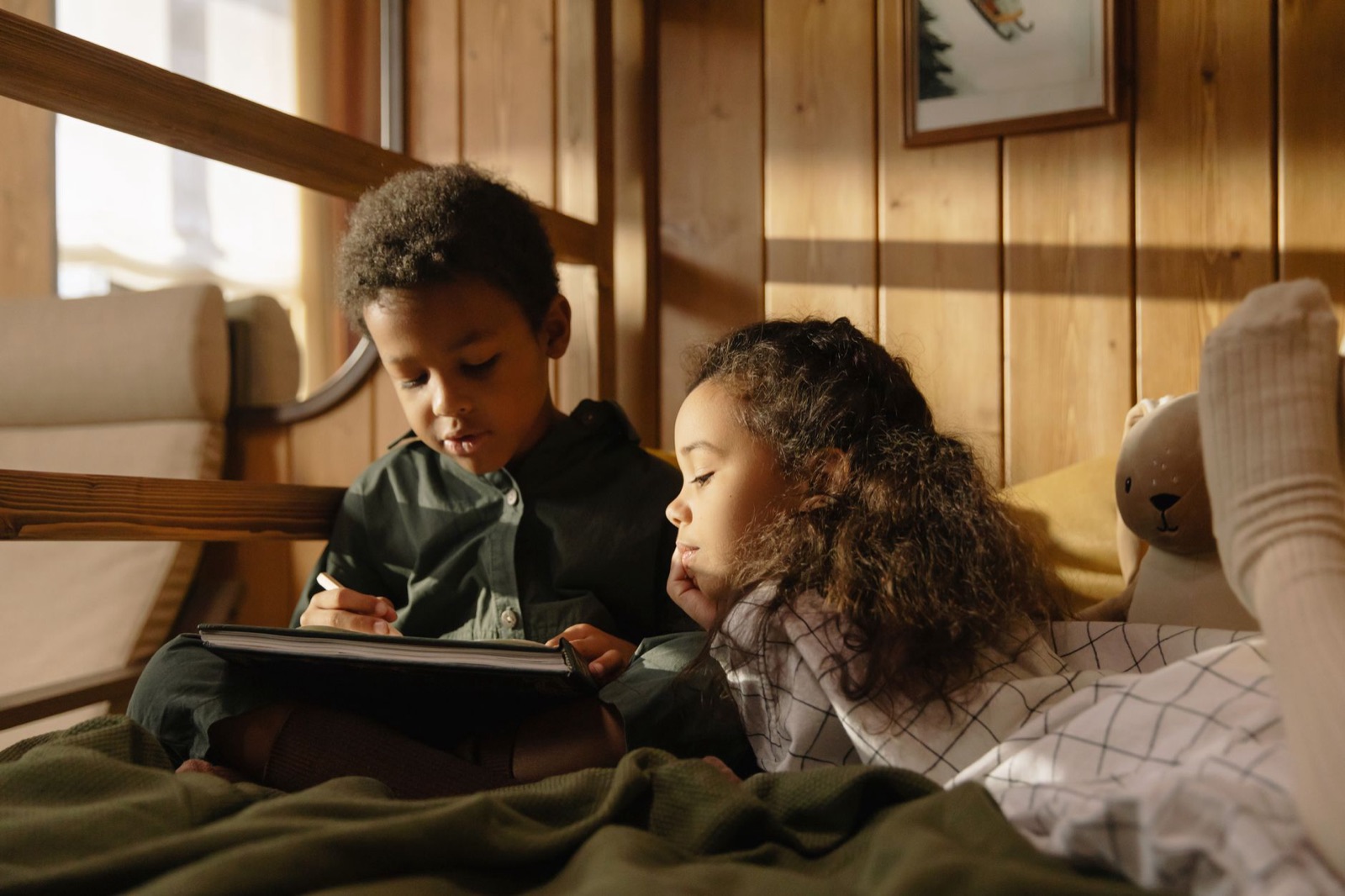
What this looks like on an ordinary Tuesday
Here are a few scenes, offered as illustrations rather than reports of real children.
A typical afternoon might go like this. A six-year-old draws a rocket on paper, takes a photo of it with a parent's help, and then plays a little pretend game on screen about where it flies. The screen is part of a longer arc that began with crayons. We would put that firmly on the creative side.
Another child sits down with a tablet and watches an unboxing video, then another, then a third. Nobody has chosen the third one; it just arrived. This one is passive, and the part that bothers us is less the content than the way the endings vanish.
A third child plays a building game where she designs a village and then moves into it with imaginary neighbours, talking to herself as she goes. That is creative even though it is a "game".
And a fourth child watches a film with a sibling, and they argue about the ending for twenty minutes afterwards. Watching, yes, but the talk afterwards is a big part of the value.
The gray areas
The sorting gets messy here, and we would rather say so than pretend it is tidy.
Colouring apps where the child taps a space and it fills with colour sit in the middle. There are choices, but very small ones. A few minutes is fine. An hour is probably more soothing than creative, and soothing has its place.
Drawing tutorials are mixed. A child who follows a step-by-step video and then makes their own version has used the tutorial as a springboard. A child who copies the same cartoon forty times has learned to copy, which is useful, but only one part of drawing.
Educational games come in all kinds. Some are just quizzes with a reward bell. Some are open and playful. The label "educational" does not tell you which, so use the four questions.
Games with other people online raise different issues, mainly about who the other people are, and that is outside what we can cover here. For anything that talks back, see is AI safe for kids for the questions we would ask.
A paper drawing and a screen drawing are not rivals
A lot of this conversation sets paper against screens as if one has to lose. We do not see it that way. Paper offers resistance, texture, smell and a finished thing you can stick on the fridge. A screen offers undo, endless colour and the chance to try something big without wasting paper.
The aim is a child who ends up making. If the tablet gets a child to draw who otherwise would not, we would count that as useful. If the tablet is crowding out the crayons altogether, it may be worth balancing it with a few paper afternoons. Our list of drawing games without screens has plenty of starting points.

Where talking-back apps fit
Some apps now respond to a child, in a voice, as part of play. That sits in an odd place on the scale. A child is talking and choosing, which are good signs. But the thing answering is software, not a person, and its replies may sometimes be off.
We are building one such app, Scribblie, so you should weigh our view accordingly. A child draws something on paper or in the app, and the drawing wakes up, says hello and asks for a name. The child can talk to it by voice, and it answers in its own voice. We think that can be a prompt for play and storytelling, but we do not claim it improves learning or creativity, because we have no evidence for that. It is not in the stores yet. How Scribblie works explains what it does and where it falls short.
Whichever app you choose, we would still ask the same four questions. Is the child making, choosing and talking? Or are they being entertained?
Setting the stage so making is the easy option
Children take the path of least effort, like the rest of us. If the tablet opens to a feed, they will scroll it. If it opens straight to a blank canvas, they may draw.
Spend ten minutes arranging the home screen. Put the making apps on the first page and the watching apps in a folder on the second. Turn off autoplay wherever the app allows it. Keep a sheet of paper and a pencil case within reach of the sofa, so that the step from screen to paper is a short one. These are small, one-time changes, and they do a lot of work every day afterwards without a single argument.
How to nudge a passive session toward something more active
You do not have to switch things off to improve a session. Small changes often work better.
- Ask a question. "What is the funniest part?" or "What would you do if you were that character?" takes two seconds and turns watching into thinking.
- Pause it. Stop the video halfway and ask what will happen next. Children are surprisingly good at this.
- Draw it. Afterwards, offer paper and ask for a picture of the best bit. Our guide to conversation starters about a child's drawing can help you keep the talk going.
- Change the setting. Move the tablet to the kitchen table, where you are, instead of the bedroom corner where nobody is.
None of these needs a lecture. They work because they slip a small act of making or choosing into something that was otherwise passive.
Children differ, and so do days
The same app can be creative for one child and passive for another. A child who loves to build will turn almost any sandbox into a project. A child who is worn out after school may want the washing-machine hum of something familiar, and that is not a character flaw.
So watch your own child over a few days before you decide anything. Notice the time of day when passive viewing creeps in. Notice whether it is tiredness, boredom or habit. Tiredness wants rest, boredom wants something to do, and habit wants a small change in the routine. They call for three different responses, and a rule written for one will not fit the others.
It also helps to remember that younger children and older children use screens differently. A four-year-old needs a grown-up close by whatever the activity, while a ten-year-old may be making a stop-motion film on her own. Our piece on stop-motion with your child is one example of a screen project that is mostly making.

When it is okay to just let them watch
Sometimes the answer is: leave them be. A tired child at the end of a long school week, a sick day, a flight, a parent who needs to take a phone call. Passive screen time in measured amounts is not a failure, and a household that treats every minute as a developmental opportunity is not a calm one.
What helps is a clear ending, a screen that is not in the bedroom at night, and the sense that this is one part of the day and not the whole of it. If you notice that passive viewing is the only thing that settles your child, or your child seems distressed without it, speak to their doctor or teacher. We cannot assess that from here, and a drawing, or the lack of one, will not tell you either.
Try this tonight
After your child's next screen session, ask them to tell you about it in one sentence, then ask for one thing from it they could draw. Do not correct, do not grade, and do not turn it into a test. Listen to the answer. It will tell you more about what that hour was than any timer.
Common questions
What is creative screen time for kids?
It is screen use where the child is making something, choosing what happens, solving a problem or talking with a person, rather than just receiving what plays. Drawing, building, recording a little story or video calling a relative can all count. The label is a rough sorting tool, not a certificate.
Does screen time affect children's development?
It can, in both directions, and the picture is more complicated than headlines suggest. What a child does on the screen, who is with them, and what the screen replaces all seem to matter. We cannot give medical advice, so if you are worried about your child's development, talk to their doctor or teacher.
Is watching a video always bad?
No. Watching a film together, then talking about the best bit, is a perfectly good evening. It is worth noticing when watching becomes automatic, endless or the only way your child settles, but one video is not a problem.
How can I tell if my child is just zoning out?
Look at whether they respond, choose and talk, or simply sit and receive. A child who is glassy, silent and cross when interrupted is probably in a passive stretch, and a short break or change of scene can help. This is a rough observation, not a diagnosis.
Can a drawing app count as creative screen time?
It can, if the child is actually making choices and marks, not tapping through templates that colour themselves. Watch what your child does for a few minutes. If they are inventing, it is creative. If they are being entertained by the app, it may be closer to passive.
Should I let my child watch tutorials for drawing?
Short ones can be a fun way to try something new, especially if the child then puts the screen down and draws on paper. The risk is copying every step and never inventing anything. A mix works well.
Keep reading
How much screen time is reasonable? A calm guide by age
There is no magic number, but there are sensible starting points. A calm guide to screen time by age, built around context and routine rather than guilt.
8 min read
Is AI safe for kids? Questions to ask before your child talks to a chatbot
No AI app earns a blanket yes or no. These are the questions we would ask about any chatbot, talking toy or voice feature before a child uses it.
9 min read
How Scribblie Works: From a Drawing to a Friend Who Talks Back
A plain-English walk through Scribblie, the app we are building: how a drawing becomes a friend, what it remembers, what grown-ups control and where it can go wrong.
8 min read