Scribblie for Parents: Consent, Limits, Data and Deletion in Plain English
By the Scribblie team · Published · 8 min read
In this guide
- Who signs in, and why the child never does
- The grown-up check, and how far it goes
- Play-time limits and a bedtime
- Listening and speaking: two separate switches
- What happens to your child's voice
- The safety check, and where it stops
- What Scribblie does not have
- Deleting everything
- Age settings: roughly 5 to 8, with options on either side
- A short list of questions to ask about any children's app
- Common questions
Here is the short version for a parent in a hurry. A grown-up signs in with Apple or Google and gives consent before the child can play, and the child never signs in. Settings, links and deletion sit behind a simple multiplication question that a young child is unlikely to solve. Parents set play-time limits and a bedtime, can turn listening and speaking off separately, and can delete the account and all data inside the app. There are no ads, no in-app purchases, no public sharing and no chat with strangers.
Scribblie is not in the stores yet; it is coming to the App Store and Google Play. This page describes what we are building. It also says where our protections stop. If you want the story of the app itself first, how Scribblie works covers it.
Who signs in, and why the child never does
When Scribblie arrives, a parent or guardian will sign in with Apple or Google. They then give consent before their child can play. The child does not make an account, does not log in, and does not type anything to get started.
We chose it this way because a young child cannot meaningfully agree to how an app handles information. The grown-up can. It also means there is nothing for a child to forget, share or lose, such as a password.
Signing in with Apple or Google means you use the sign-in you already have instead of a new password. We are not describing here how those services work or what they share, since that is a matter for each of them and for our privacy policy.
The consent step is the point at which a child can start playing. Until a grown-up has done it, the child cannot play.
The grown-up check, and how far it goes
Settings, deleting data and any links in the app are kept behind a grown-up check. The check is a simple multiplication question. A parent answers it in a couple of seconds, and it is designed as a small speed bump for a child.
We would be careful not to oversell it. A bright eight-year-old who has learned their times tables may get through it, and a child can watch you tap in the answer. It is a sensible gate for younger children but no security system. The best protection, as with any app, is a device that the child uses in a shared room and a parent who knows what is installed.
If you want broader device-level controls, such as app approvals and purchase locks, those belong to the phone or tablet itself. Our guide to parental controls for iPad and Android tablets covers them and works with any app.

Play-time limits and a bedtime
Parents can set limits on how long a child plays, and a bedtime. These settings sit behind the grown-up check.
A limit inside the app is one more place a parent can set it, in the same settings as everything else. The tablet has its own screen time tools too, and we would use those as well if you like.
On the question of how much time is right, we do not have a magic number, and we are wary of anyone who does. Guidance varies with age and changes over time. The World Health Organization published guidance in 2019 on screen time for children under five, and the American Academy of Pediatrics has its own advice, and it is worth checking the current versions of both. Our guide to how much screen time by age goes through how to think about it.
If limits are a battle at your house, setting bedtime and play limits that stick has practical advice that is not specific to us. In short: agree the limit before play starts, give a warning, and keep it the same each day.
Listening and speaking: two separate switches
The child talks to the friend by voice, and the friend answers in its own voice. A parent can switch listening and speaking off separately.
Turned-off listening means the app does not listen to the child. Turned-off speaking means the friend does not speak aloud. Two switches instead of one let a family choose the mix that suits a given moment: perhaps the friend is quiet on a train, or the child does not use the microphone in a shared room.
We know some families will want listening off altogether, and that is a fair choice. We are not describing here exactly what each combination looks like on screen, since the design may change before launch.
If you are thinking more generally about microphones in children's products, voice assistants and kids is a good general guide, and it is not about us.
What happens to your child's voice
The child's voice is sent for transcription, and the voice is deleted after transcription. That is the whole of what we will state about it on this page.
Transcription means the spoken words are turned into text so the friend can respond. Deleting afterwards means the audio does not sit around. What happens to the text, the drawings and other information is a different question, and the right place for it is our privacy policy, which we encourage you to read before you give consent. We are not going to summarise it here in a way that might leave something out.
A fair question is why a child's words need to leave the device at all. The transcription step is how the friend understands what the child says. If that is not acceptable to you, you can turn listening off, or choose not to use the app.
The safety check, and where it stops
A safety check runs on what the friend says. It is there to catch replies that should not reach a child.
It is not perfect. The friend's replies and images may be generated by AI models, and they can sometimes be imperfect. That might mean an odd or muddled answer, a picture that is a bit wrong, or something that is just not quite what a grown-up would say. A safety check lowers the chance of a bad reply, but it does not remove it.
So we suggest: set it up yourself, sit with your child for the first few sessions, listen to what the friend says and keep the early sessions short. Tell your child that if the friend ever says something that feels strange or upsetting, they can come and tell you, and nobody will be in trouble. Our wider piece on whether AI is safe for kids goes into how to think about this for any product, with questions you can ask of us and of others.
What Scribblie does not have
There are no ads, no in-app purchases, no public sharing and no chat with strangers. The app has no third-party advertising or analytics SDKs.
Each of these is something a parent might reasonably worry about, so we have left them out. The friend is meant for a child with a grown-up in the same room.
Ads in a children's app tend to push for time and attention, and the app can end up working for the advertiser. Our piece on apps with no ads and why it matters lays out the reasoning in more detail.
We are not claiming any certification or legal compliance on this page, and we are not going to hint at one. If you have specific legal questions about your own country's rules for children's data, ask us and read the privacy policy, and look to the law itself or a professional. Some of the well-known laws here are the US COPPA law, the EU's GDPR and India's DPDP Act 2023, and we would not want anyone to assume from a web page that we have cleared them all. Check the current text.
Deleting everything
A parent can delete the account and all data inside the app. It is behind the grown-up check, and it is done in the app itself. You do not need to email anybody, and you do not need to wait for a reply.
We want this to be easy because it is a basic right of any parent. If your child gets bored of the friend, or you change your mind, you should be able to leave cleanly.
Before you delete, think about whether you want to keep copies of drawings. If the originals are on paper, you already have them. If a child drew in the app, you may wish to take a screenshot first. Our guide to keeping and storing kids' artwork has ideas for the physical side.
Age settings: roughly 5 to 8, with options on either side
The friend is made for children of roughly five to eight. There are also settings for under-fives and for nine- to twelve-year-olds. These ages are our targets, and children vary a great deal.
We would not rush a very young child into using it. For toddlers, screen time is a different conversation, and our guide to screen time for toddlers covers it. An under-five setting exists, but that does not mean an under-five needs the app.
For older children, a nine-year-old may find the friend a little young, and may prefer to draw on paper. That is a good outcome too.
A short list of questions to ask about any children's app
If you are weighing Scribblie against other options, here are questions that work for any of them. You may want to copy them into a note.
- Who has to give consent, and when?
- What does the child need to type or share to begin?
- Where are the limits, and can a child change them?
- What happens to the voice, drawings and text, and for how long?
- Can I delete everything from inside the app?
- Are there ads, purchases or ways for strangers to contact my child?
- What does the company say it cannot promise?
Our guide to what to check in a drawing app expands on these, and how kids' apps use your child's data explains what to look for in the answers.
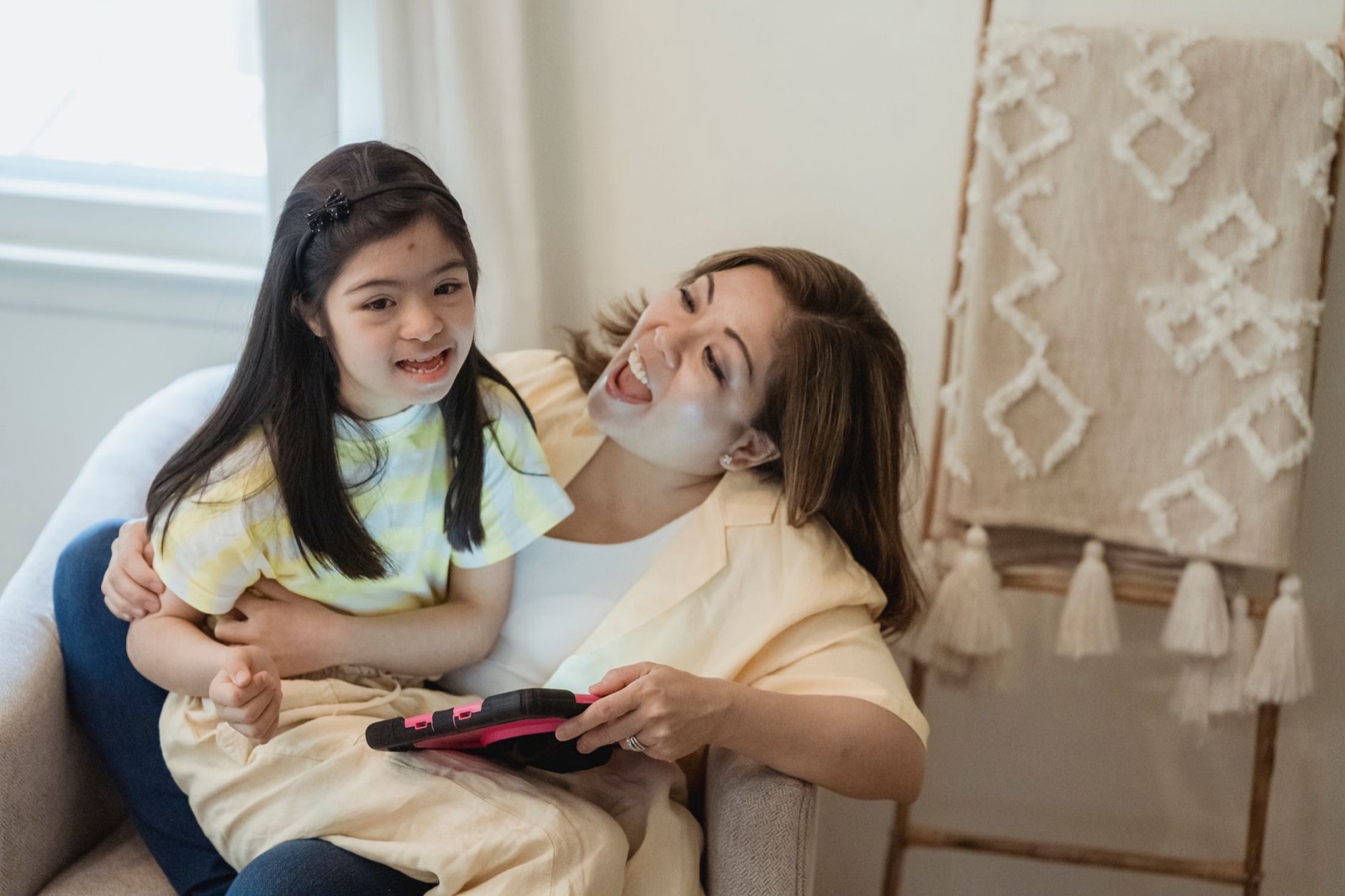
If it were our own child, we would do this. Read the privacy policy before you consent. Set the play limit and bedtime yourself, on day one. Decide whether listening should be on. Sit beside your child for the first sessions. And tell them, in your own words, that the friend is a drawing that talks, that it can get things wrong, and that they can always come to you.
Common questions
Does my child need an account for Scribblie?
No. A parent or guardian signs in with Apple or Google and gives consent before the child can play. The child never signs in.
How do parents control play time in Scribblie?
Parents can set play-time limits and a bedtime. They can also switch listening and speaking off separately, so a child can use the app quietly, or only talk without the friend replying aloud. These settings sit behind a grown-up check.
What happens to my child's voice recordings?
The child's voice is sent for transcription and deleted after transcription. Anything beyond that, such as how long other information is kept, is covered in our privacy policy, which we encourage you to read.
Can I delete my child's data?
Yes. A parent can delete the account and all data from inside the app, behind the grown-up check. You do not have to email us to do it.
Does Scribblie have ads, in-app purchases or public sharing?
No ads, no in-app purchases, no public sharing and no chat with strangers. The app also has no third-party advertising or analytics SDKs.
Can I treat Scribblie as risk-free for my child?
No, and we would not say that about any app. A safety check runs on what the friend says, but replies are generated by AI models and can sometimes be imperfect, so a grown-up should set it up and stay nearby, especially early on. The app is not in the stores yet, so these details describe what we are building.
Keep reading

How Scribblie Works: From a Drawing to a Friend Who Talks Back
A plain-English walk through Scribblie, the app we are building: how a drawing becomes a friend, what it remembers, what grown-ups control and where it can go wrong.
8 min read
How kids' apps handle your child's data: what to look for in a privacy policy
A plain-English way to read a children's app's privacy policy, with the words to search for, what the big privacy laws are about, and a fifteen-minute routine.
9 min read
Bedtime and play limits that stick: making screen rules kids accept
How to set screen time rules your children will accept and you can keep: a family agreement, a visible timer, a wind-down routine and a backstop in the settings.
9 min read